
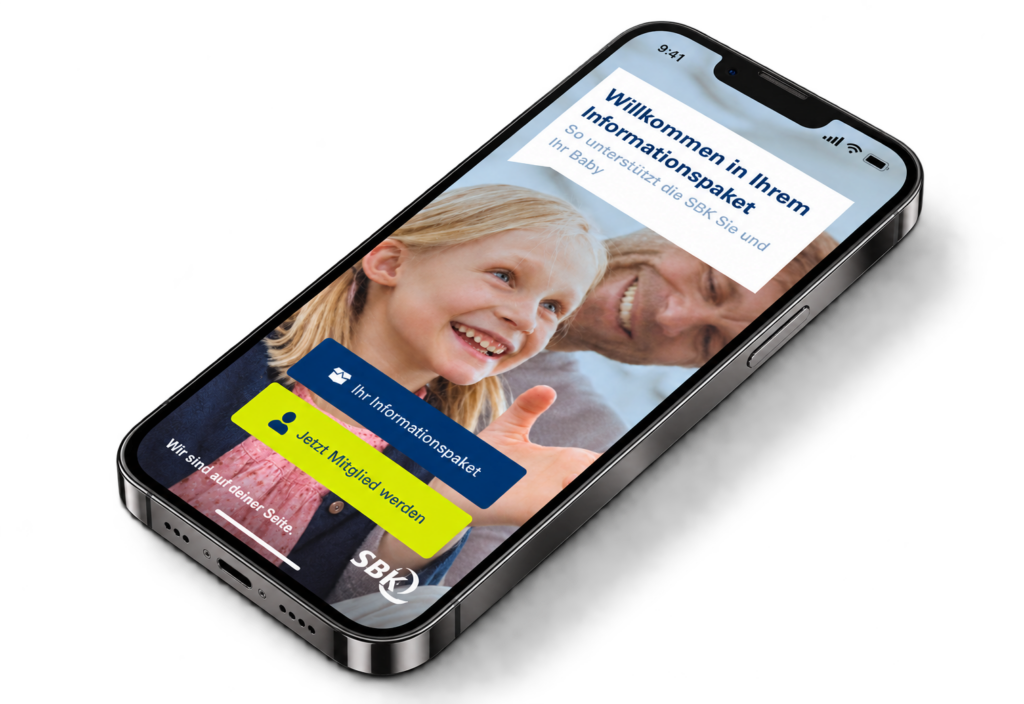
SBK Infopaket
mobile app
MOBILE APP / HEALTH INSURANCE
A strategic PWA solution bridging the gap between personalized insurance details and an optimized sign-up journey to reduce friction for prospective mobile users.
About SBK
Siemens-Betriebskrankenkasse (SBK) is a German statutory health insurance fund. This project focused on helping potential customers understand its services and navigate the membership process.
The assignment
SBK commissioned us to address problems in new customer acquisition. My work covered research, content strategy, information architecture, UI design and prototyping. The goal was to connect service information with a clearer path to applying for membership.
RESEARCH
Understanding the membership journey
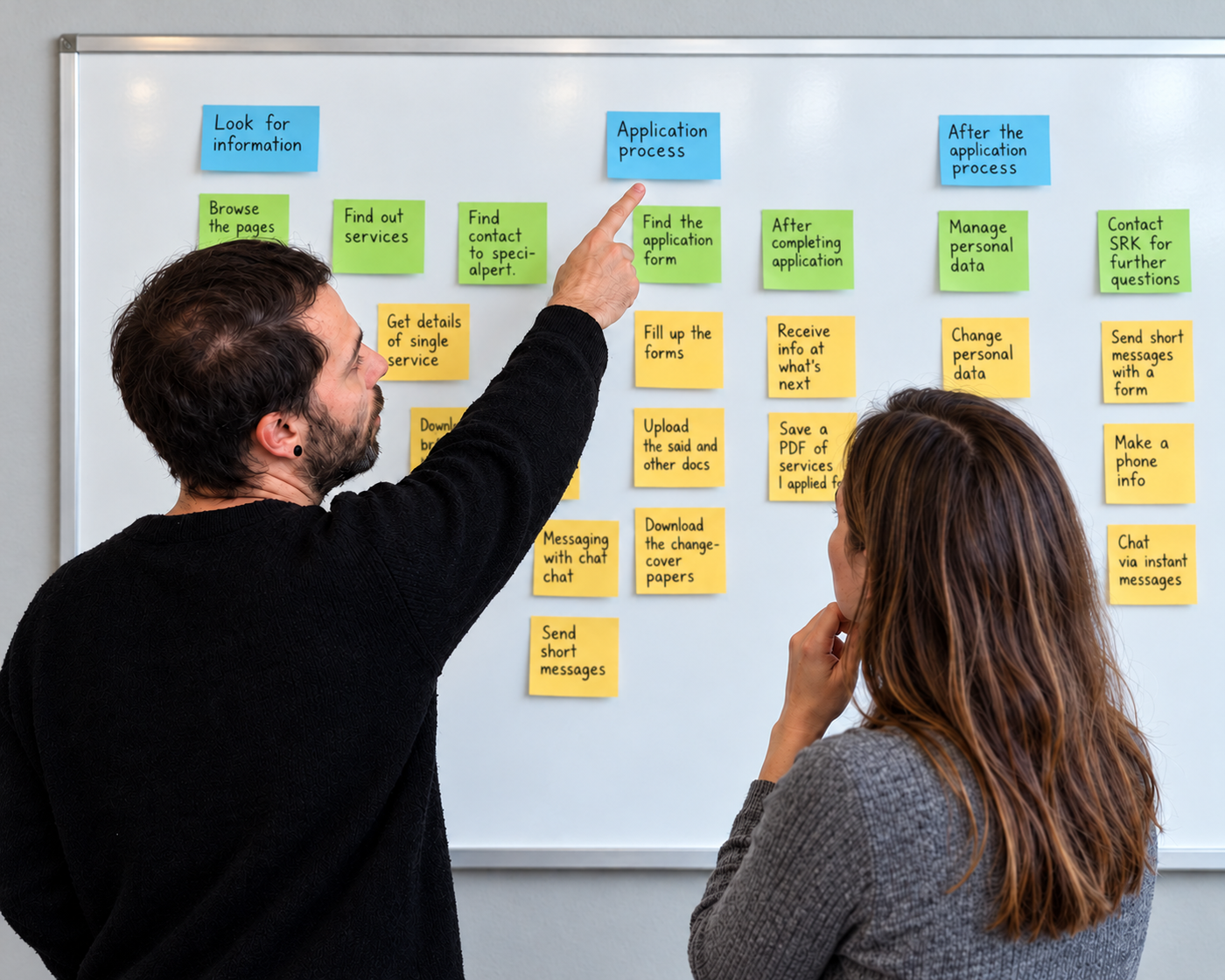

Kick-off workshop
We began with a workshop involving the client’s stakeholders. SBK had already conducted research and provided user personas, which helped us identify shared goals.
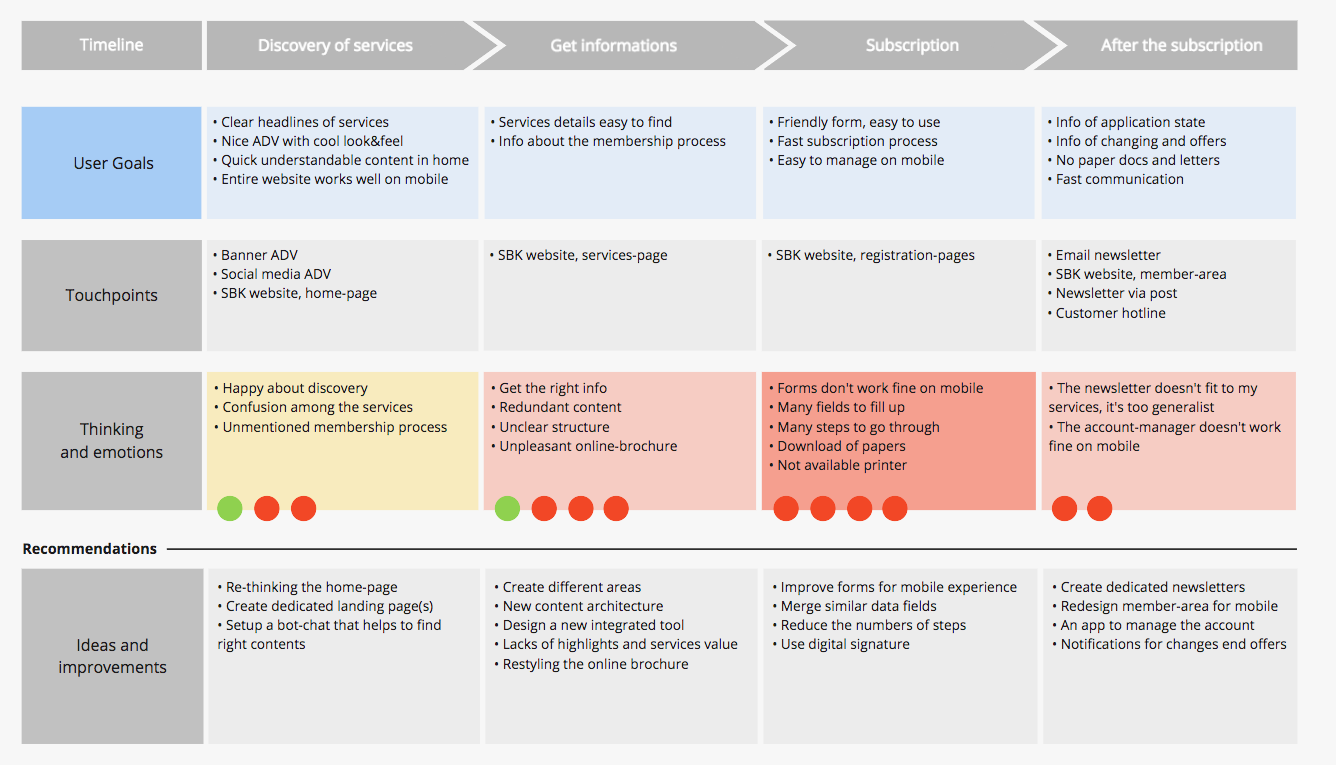
Mapping customer journeys
I then ran internal sessions to map customer journeys based on those personas and locate the critical steps in the acquisition process.
THE PROBLEM
Where potential customers got stuck
The journey analysis revealed a difficult membership process. People considering a change of insurance encountered unclear choices, poorly optimised forms and paperwork to download, print and sign.
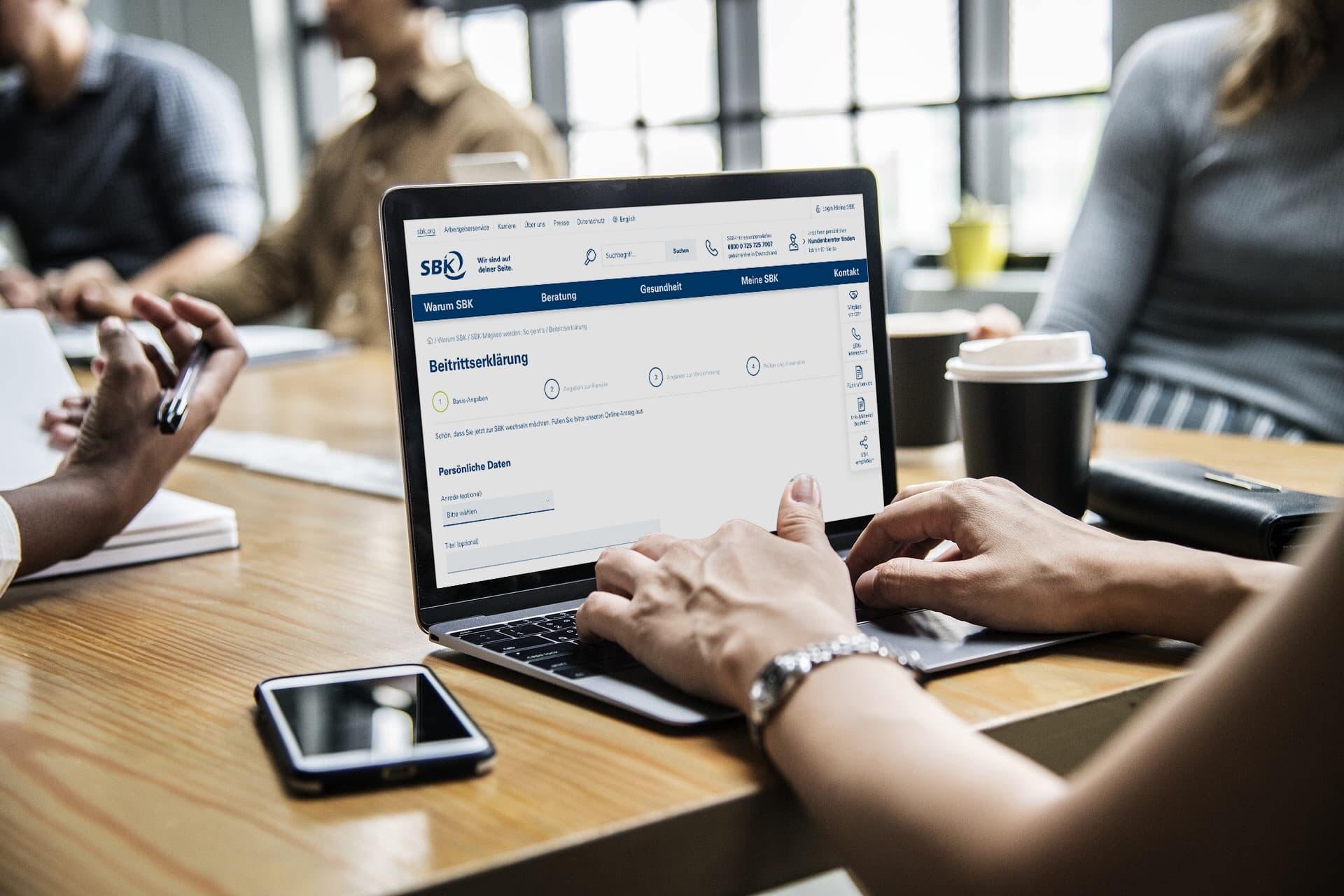


These time-consuming steps could lead potential customers to abandon the process and look for easier alternatives.
CONTENT STRATEGY
From discovery to application
The proposed strategy connected the acquisition journey across different customer groups. A PWA would introduce SBK’s services, answer important questions and guide potential customers towards applying for membership.
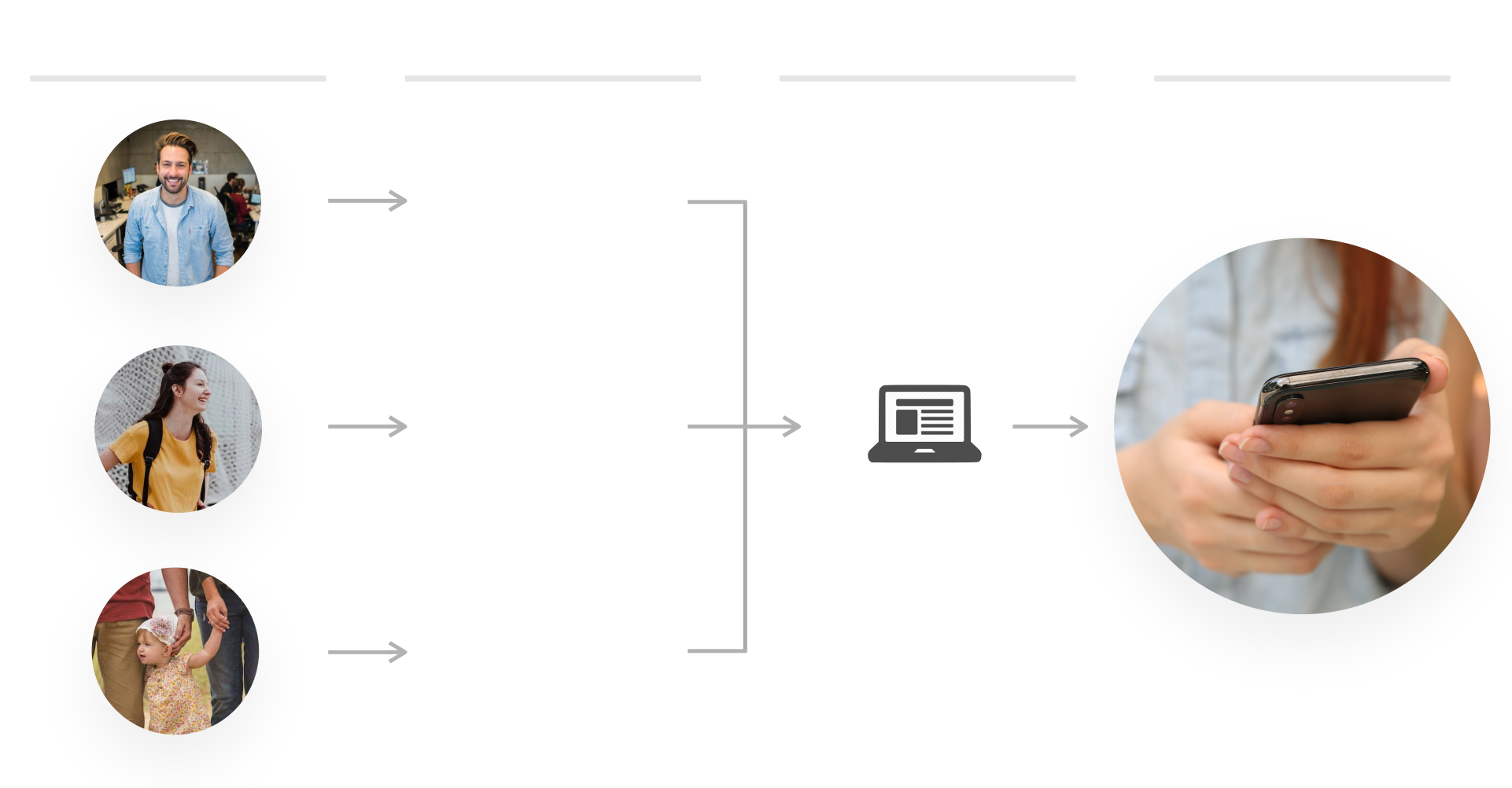
Potential customers
Discovery
Engagement
Application
Google
Ads
Social media
ads
Print
ads
Employees
Students
Parents with babies
Landing page
Explore SBK’s services
and open
the app
PWA
Choose relevant services and
apply for membership
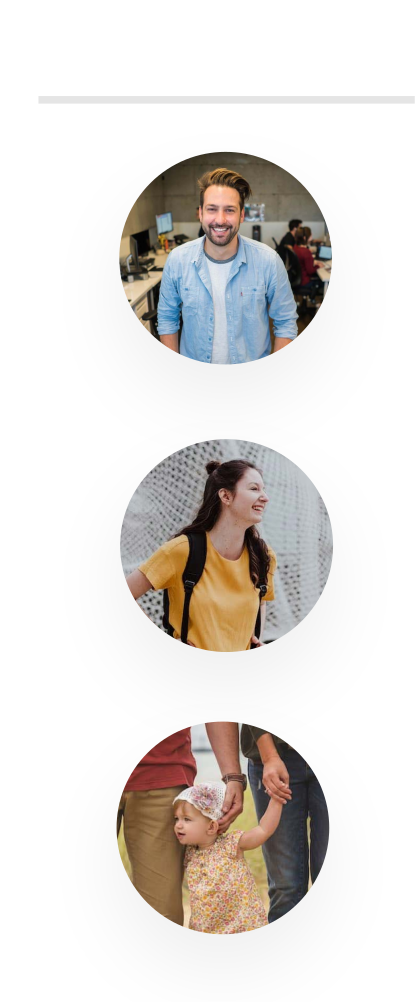

Potential customers
Employees
Students
Parents with babies
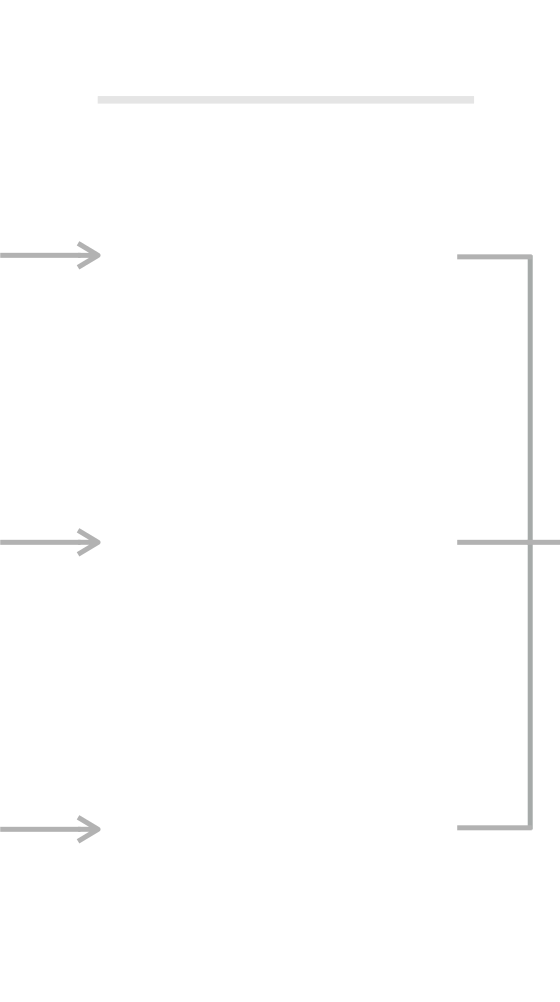
Discovery
Google
Ads
Social media
ads
Print
ads


Engagement
Landing page
Explore SBK’s services
and open
the app
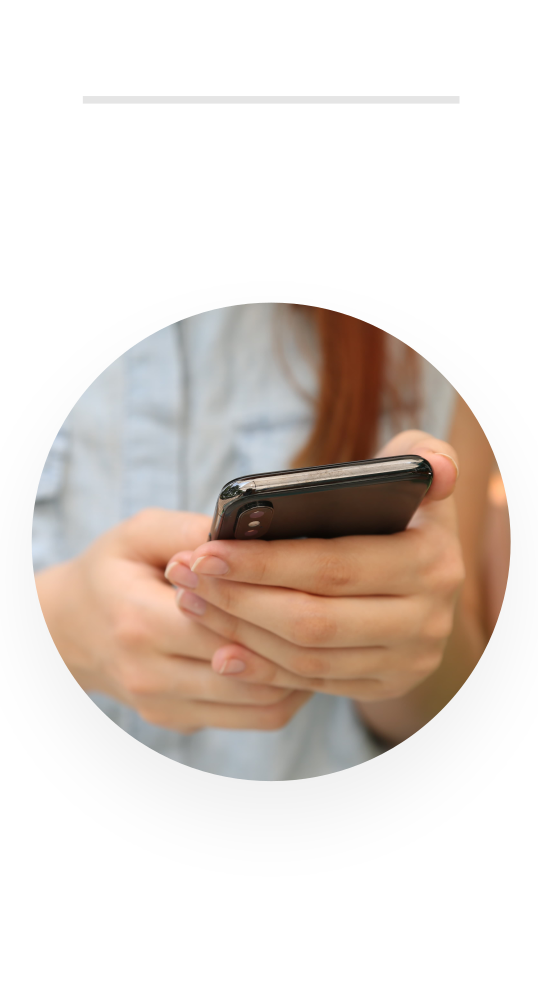

Application
PWA
Choose relevant services and
apply for membership
THE CHALLENGE
An all-in-one information package
The app needed to serve different target groups and reduce friction between exploring the offer and applying for membership.
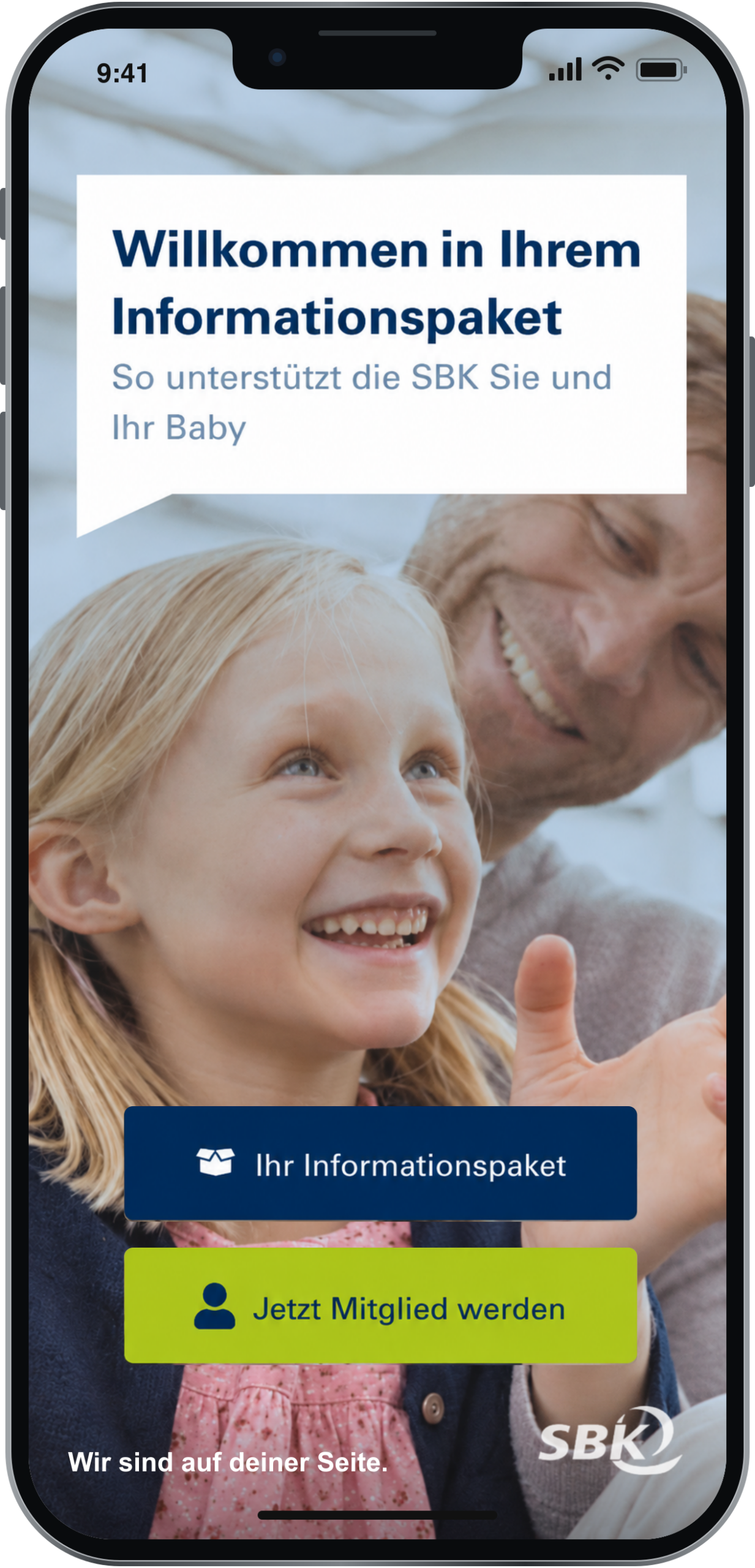
Design requirements
The design needed to present personalised offers, create an engaging mobile experience and support a PWA architecture. A clickable prototype would allow the proposed experience to be tested with users.
INFORMATION ARCHITECTURE
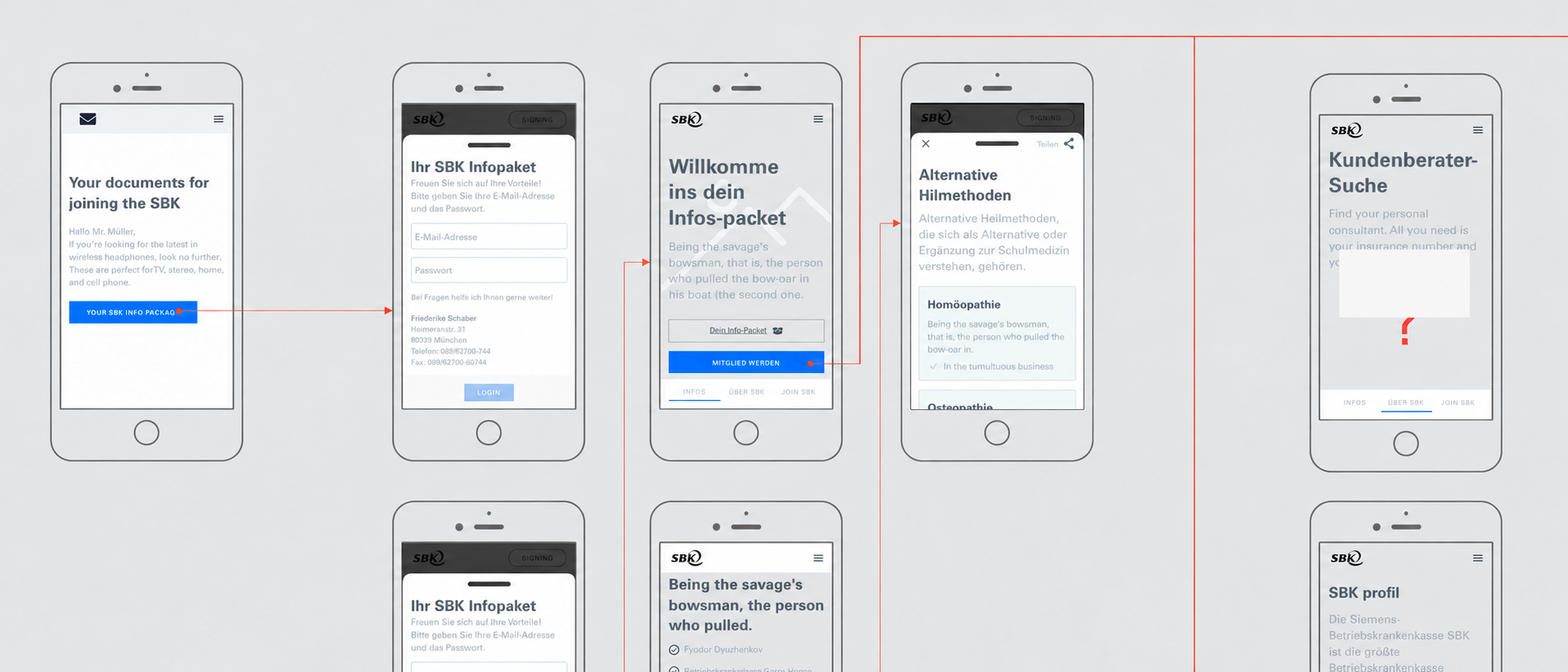
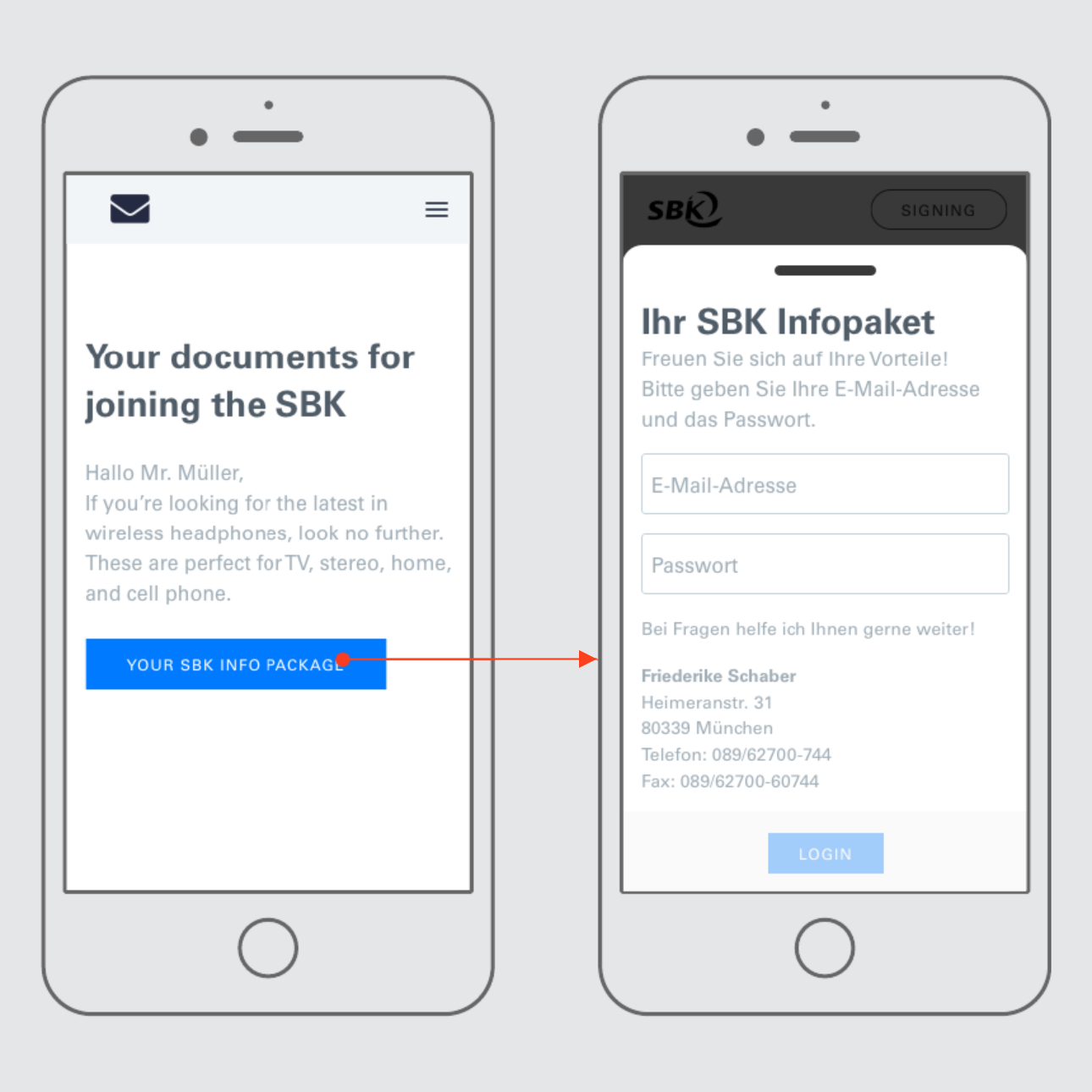
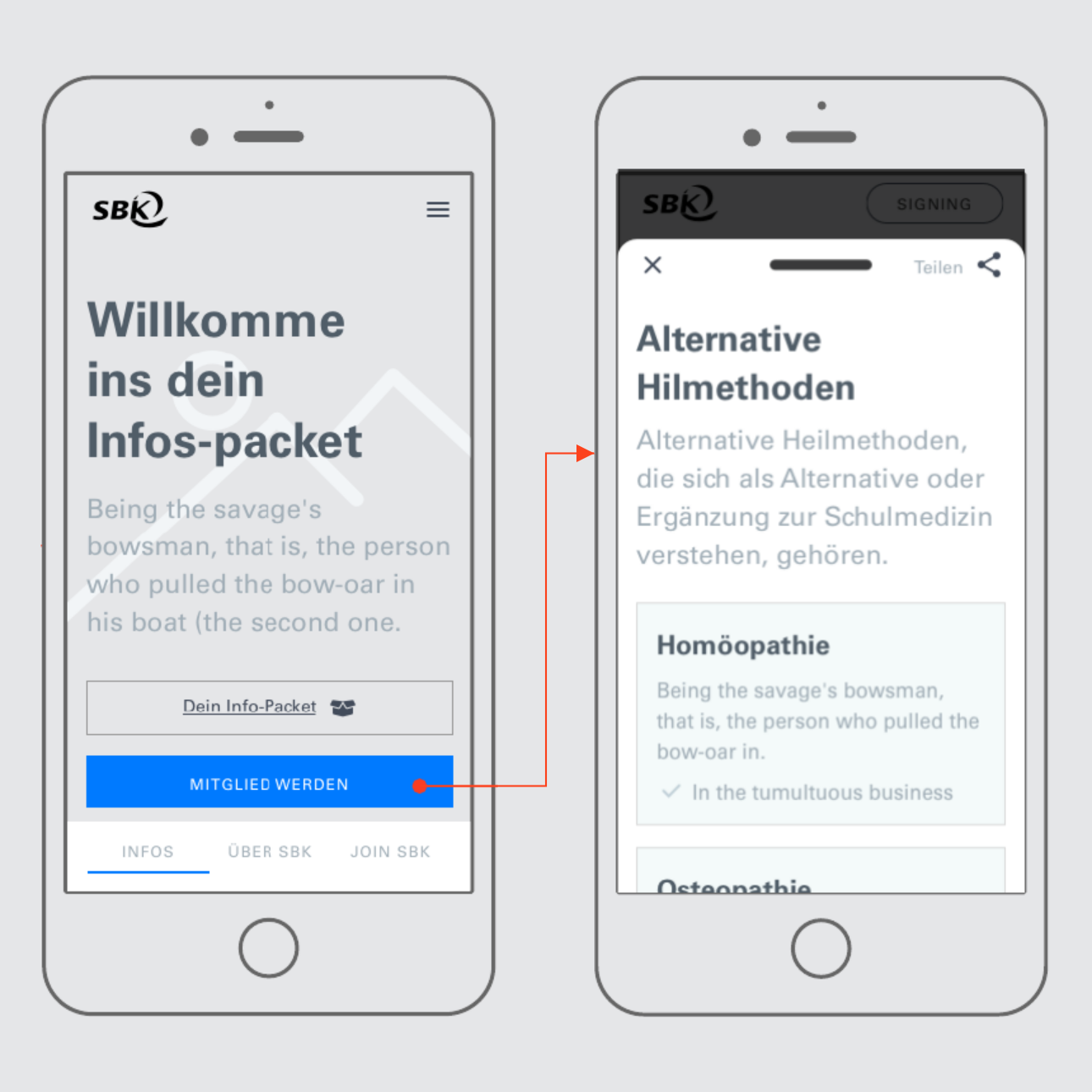
Architecture and low-fidelity prototyping
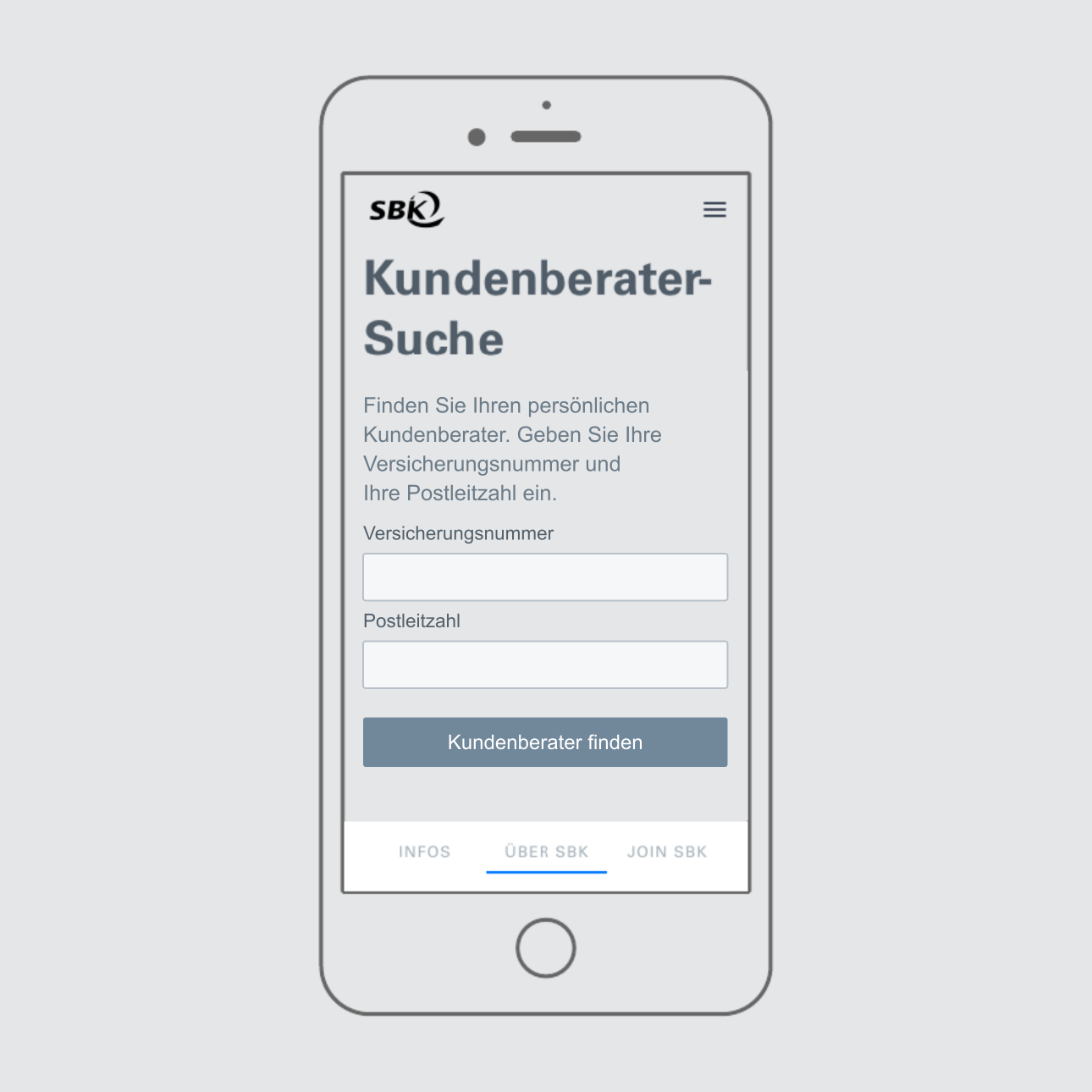
With the business requirements in place, I moved from sketches to basic wireframes. These screens explored several use cases and helped define the information architecture before developing the visual design.
UI DESIGN
Applying the SBK visual language
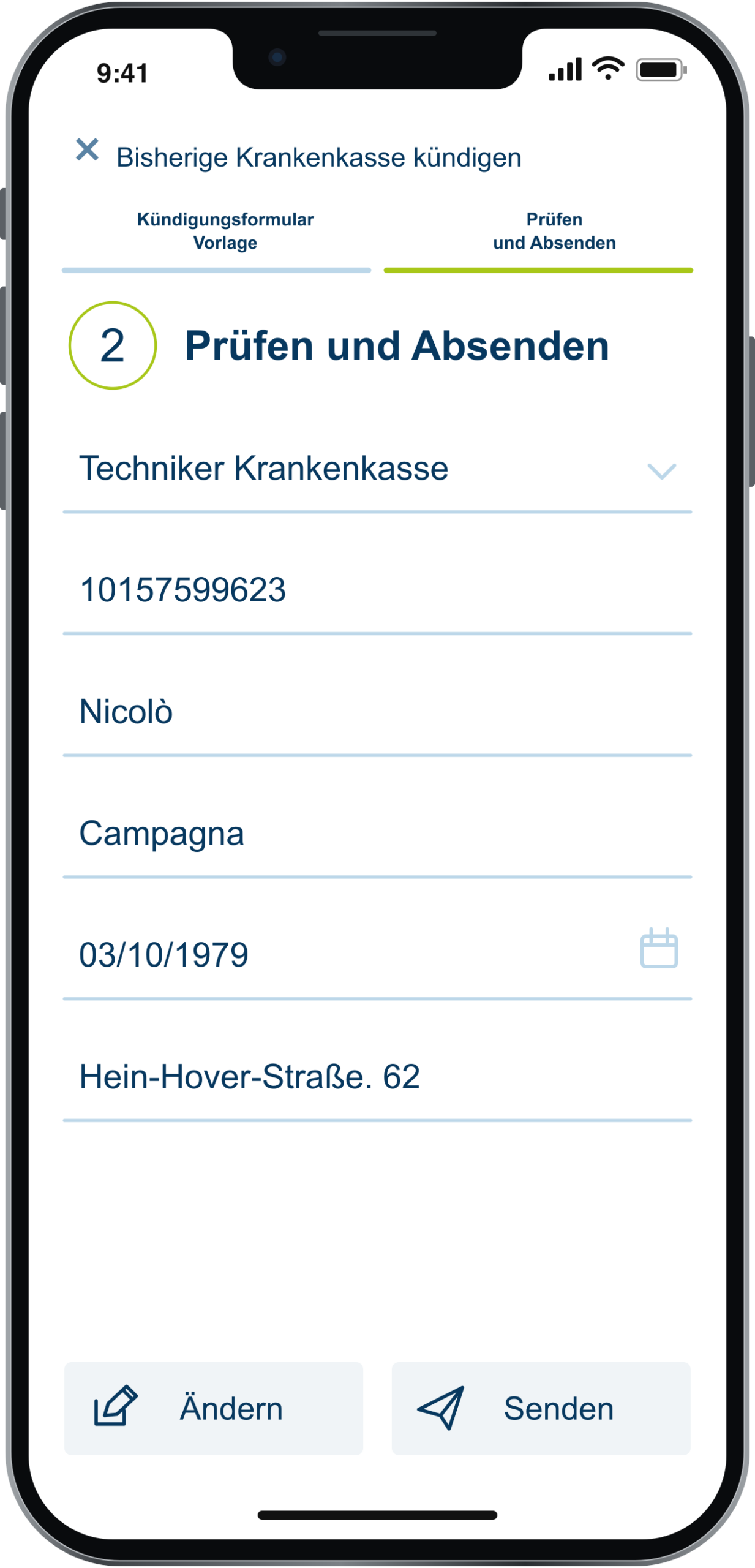
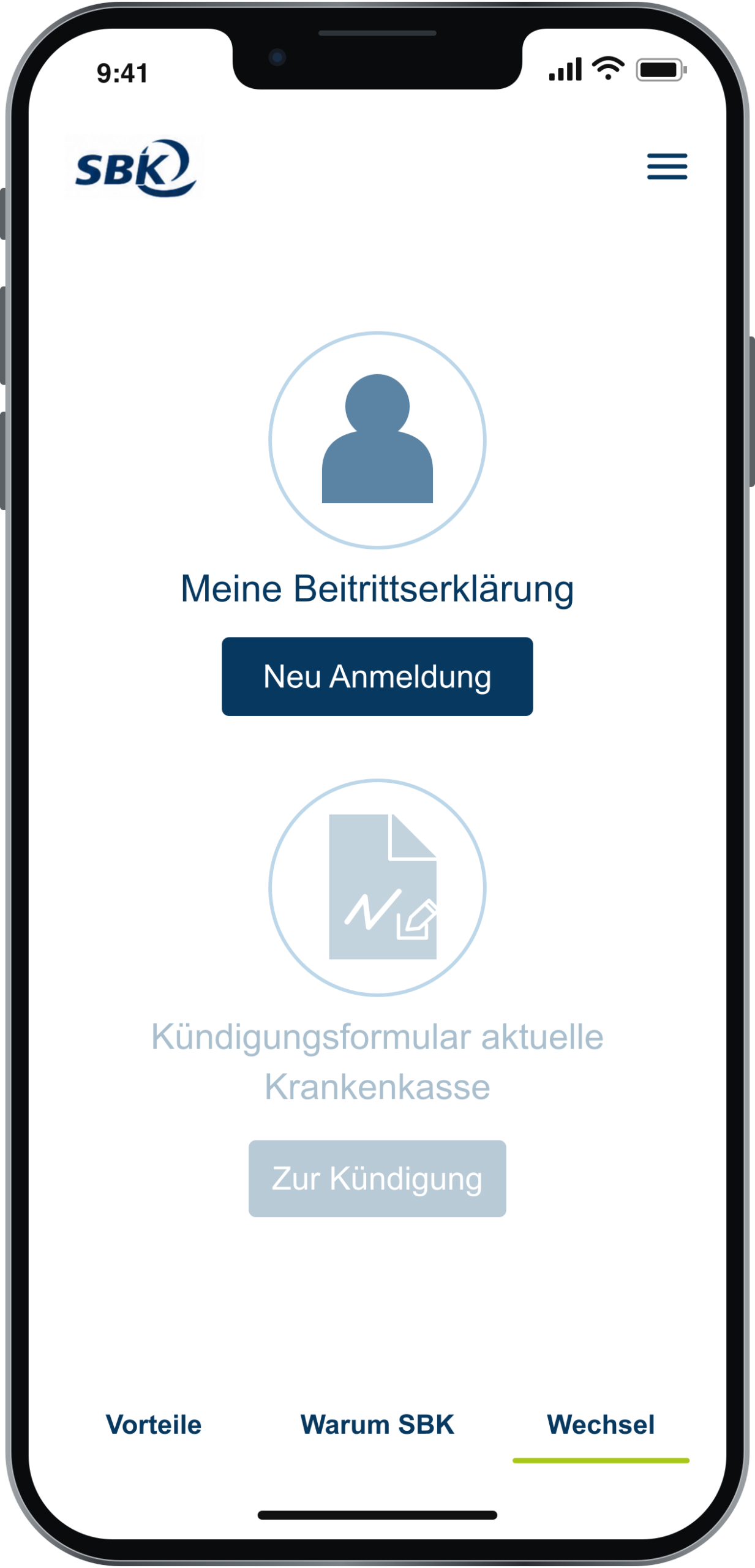
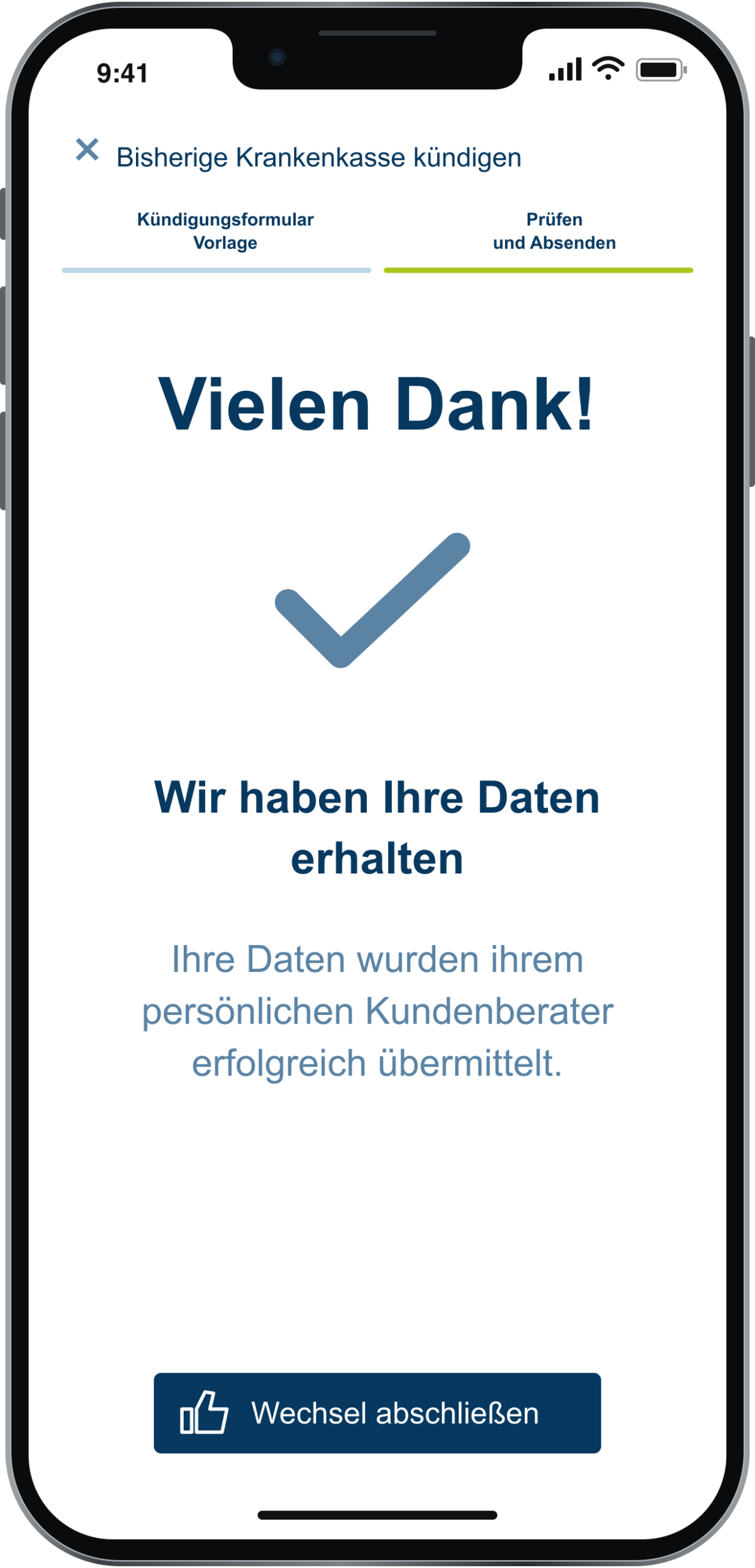
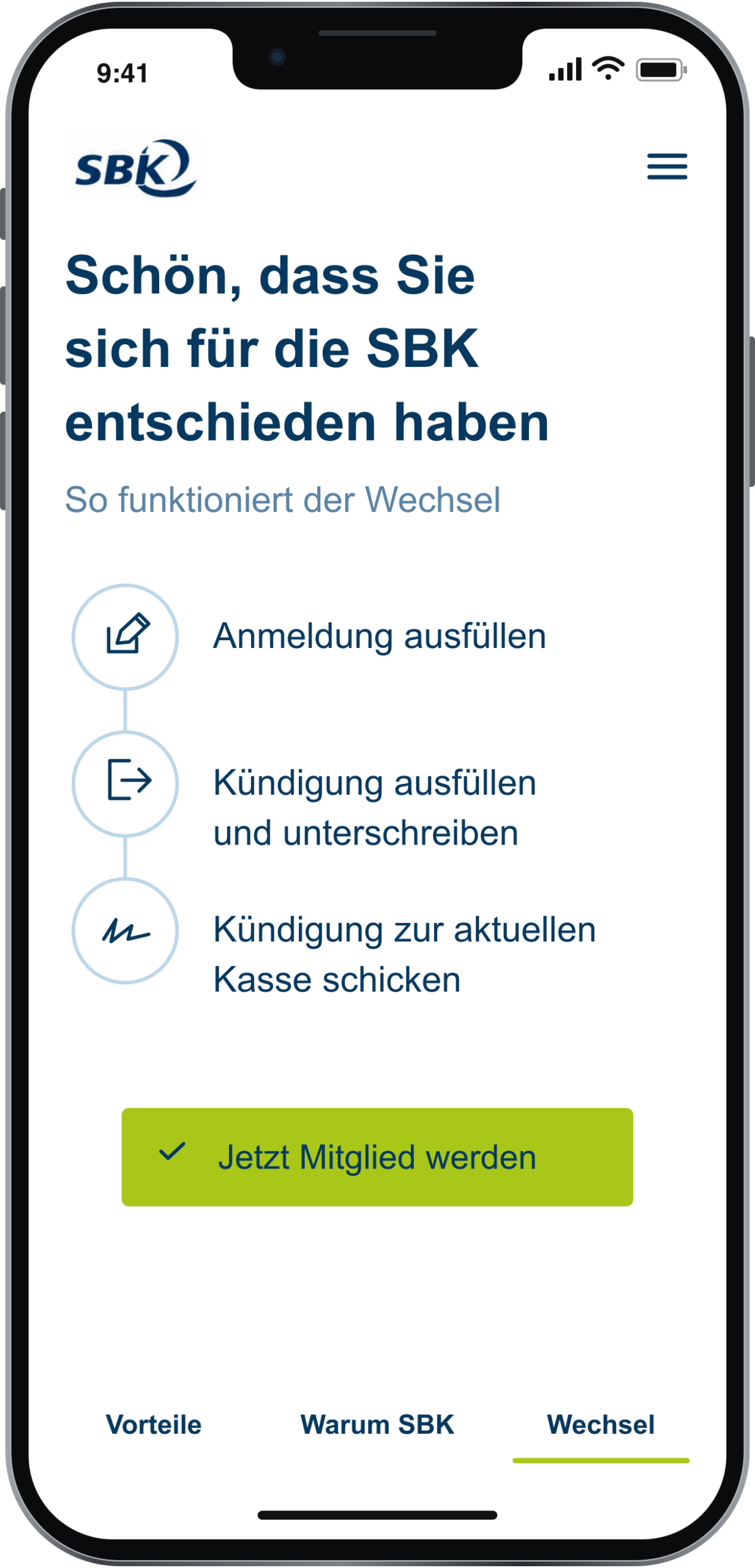
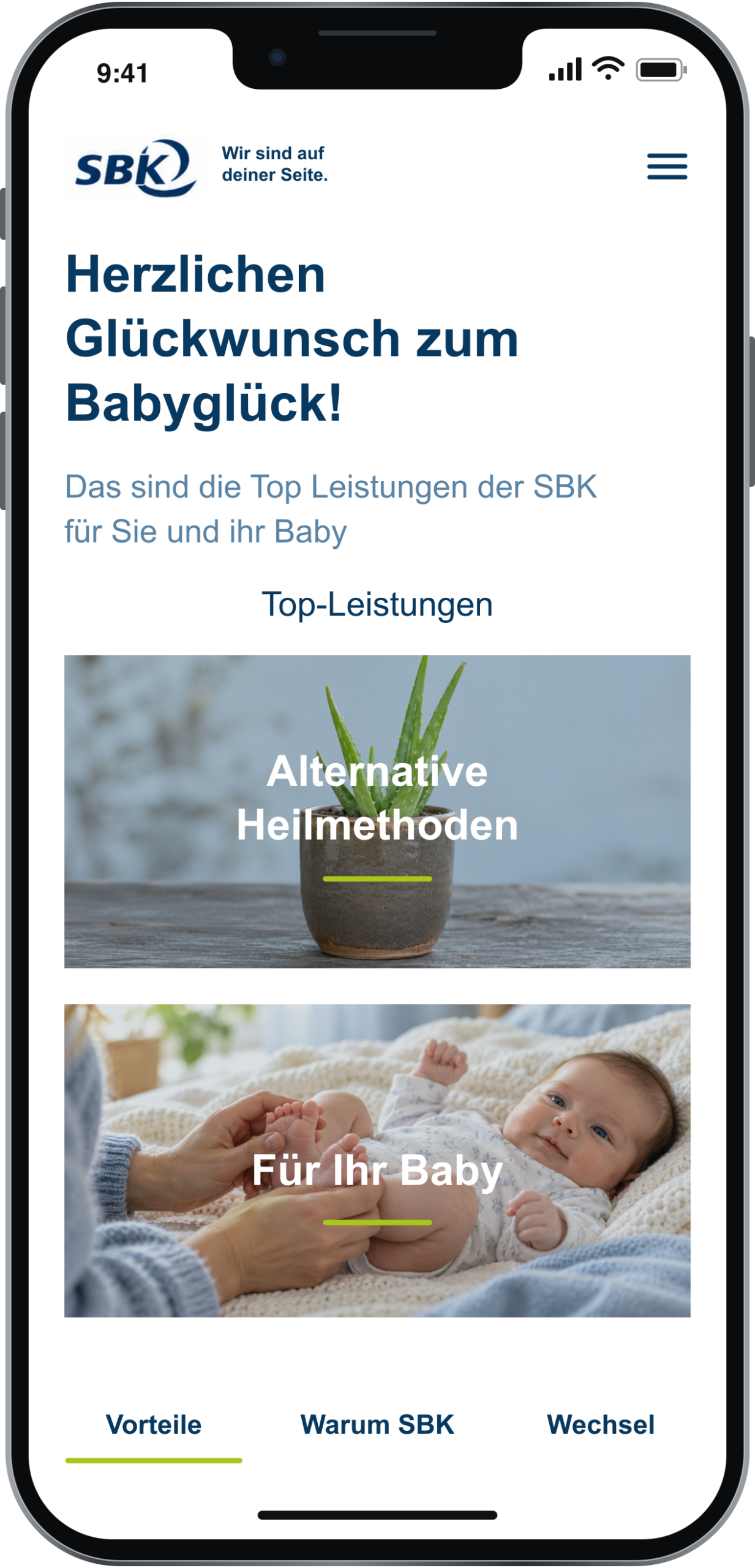
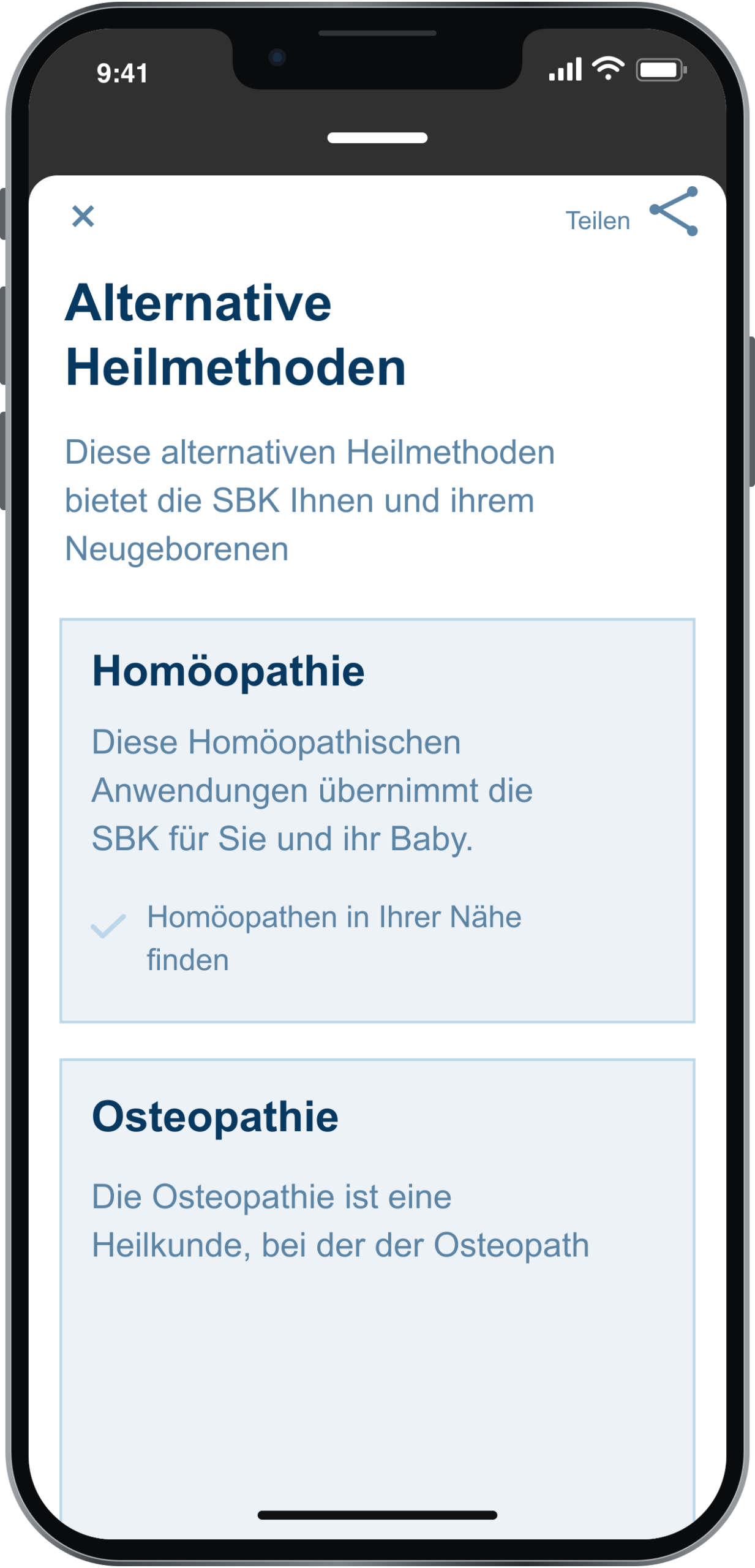
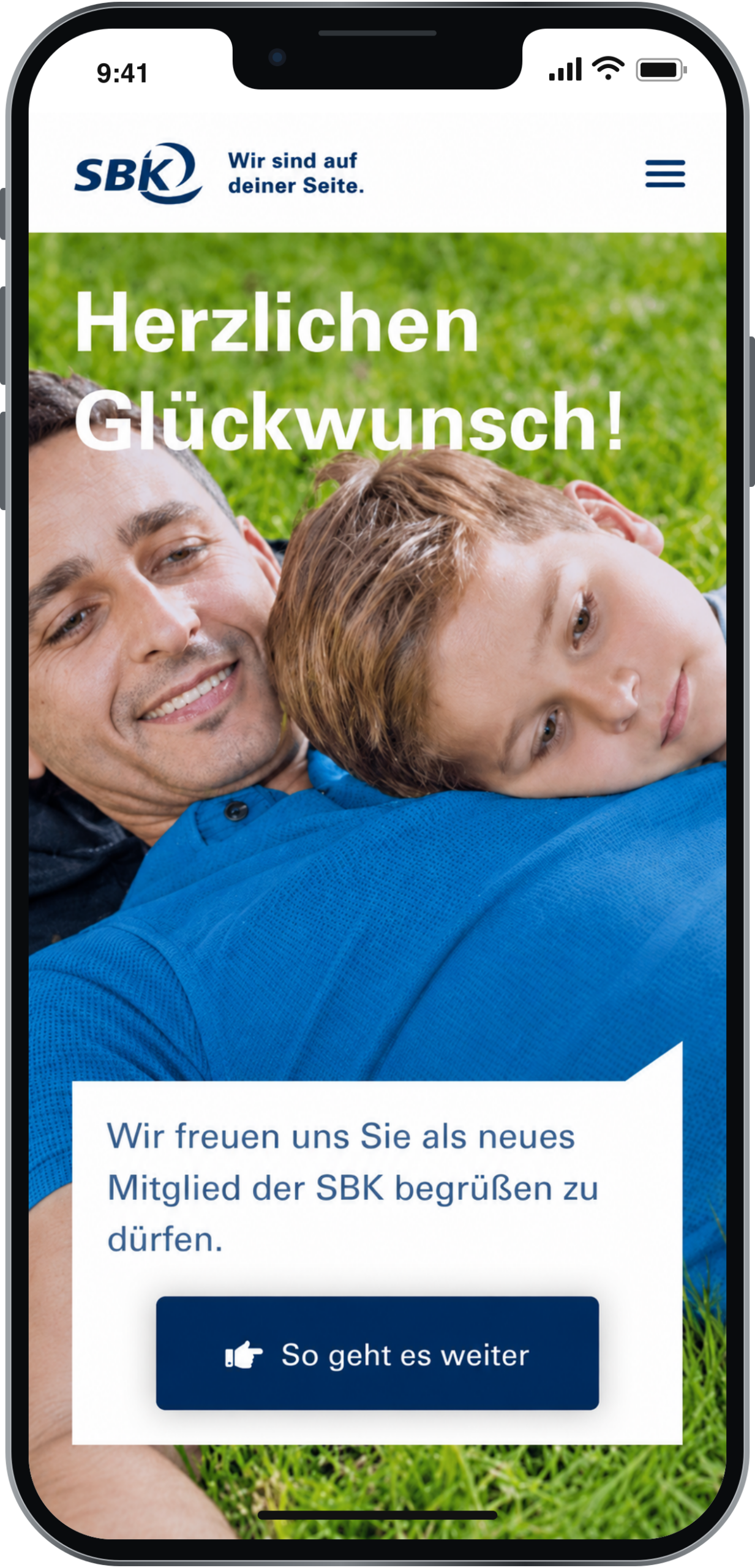
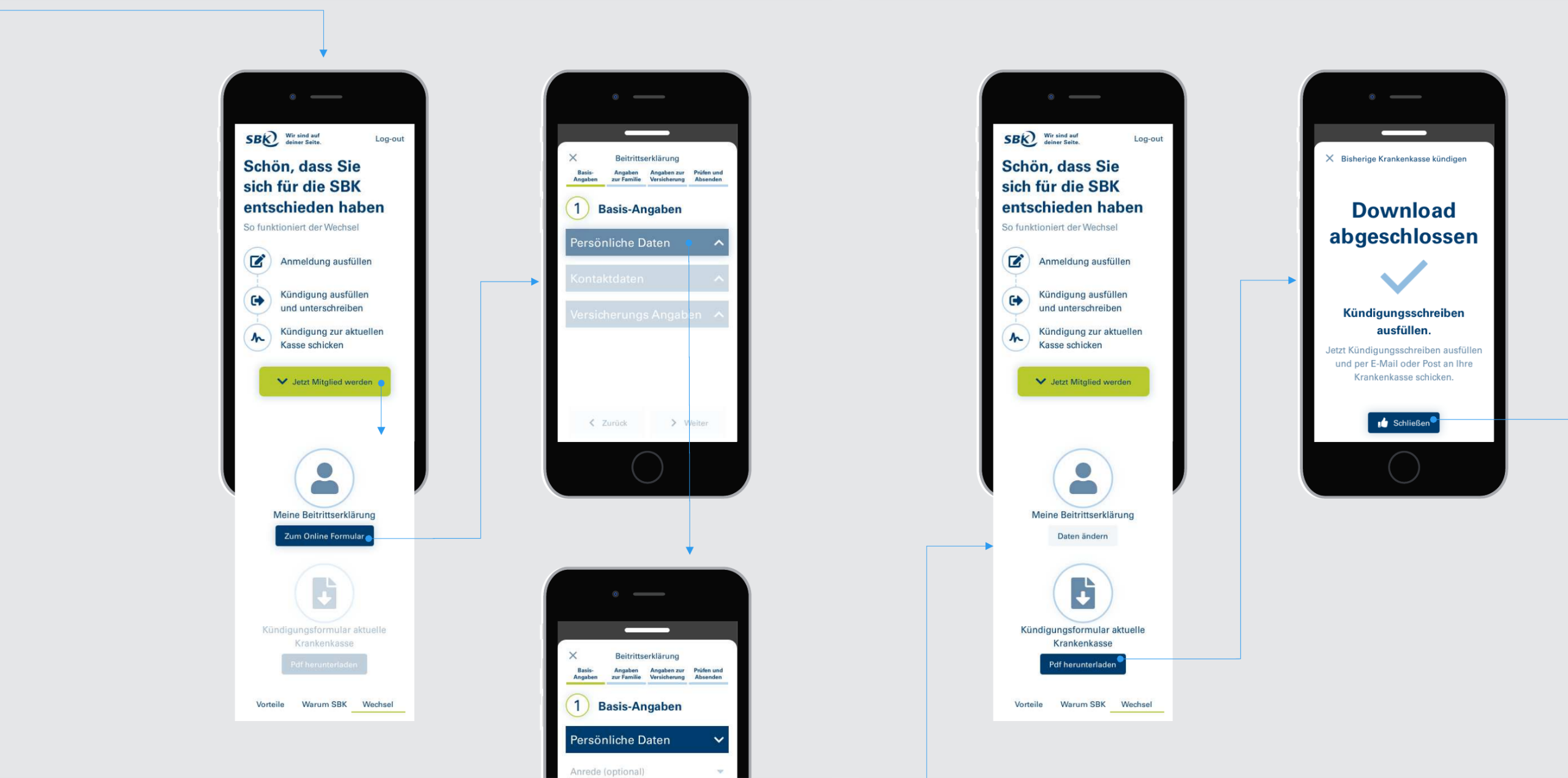
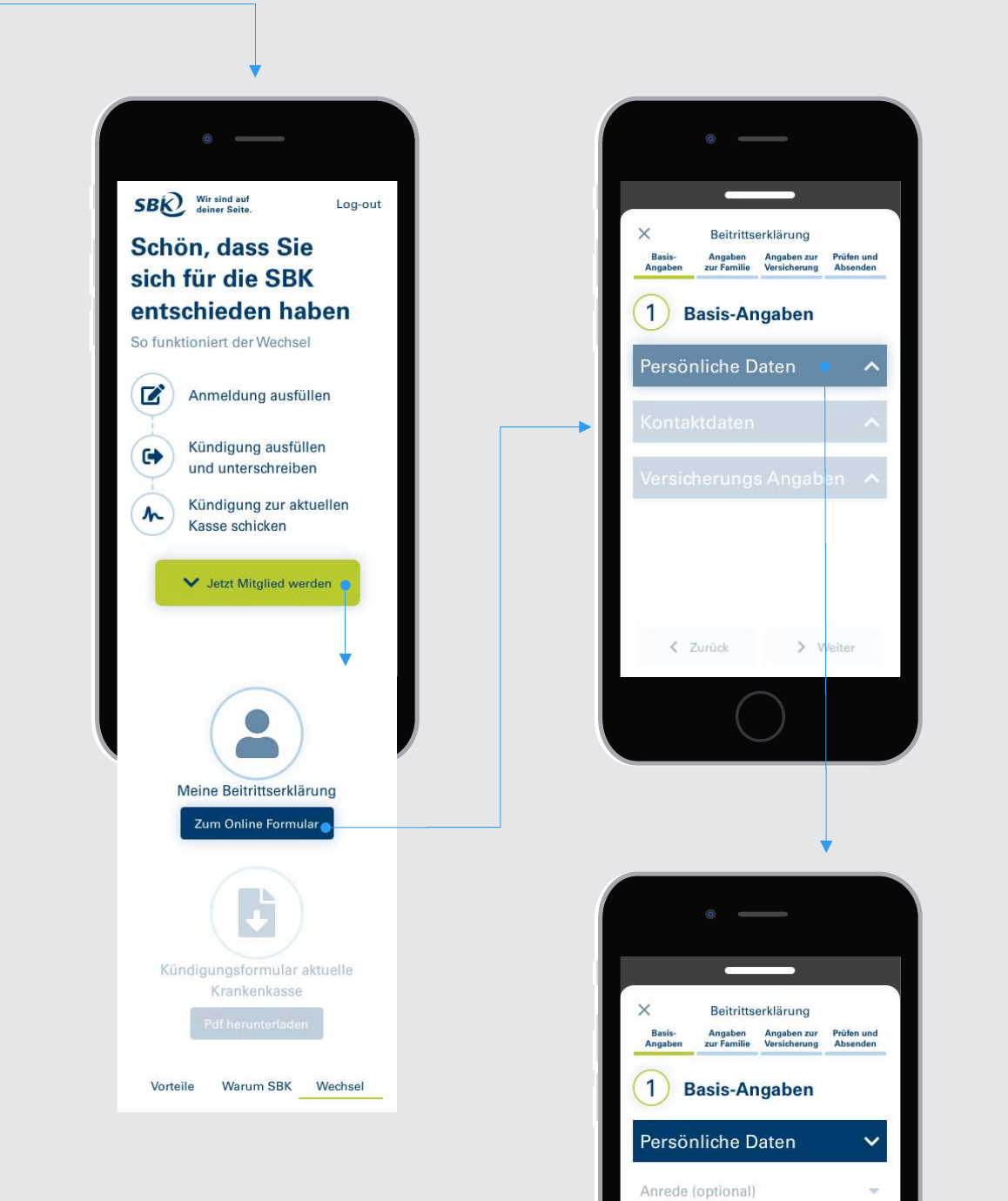
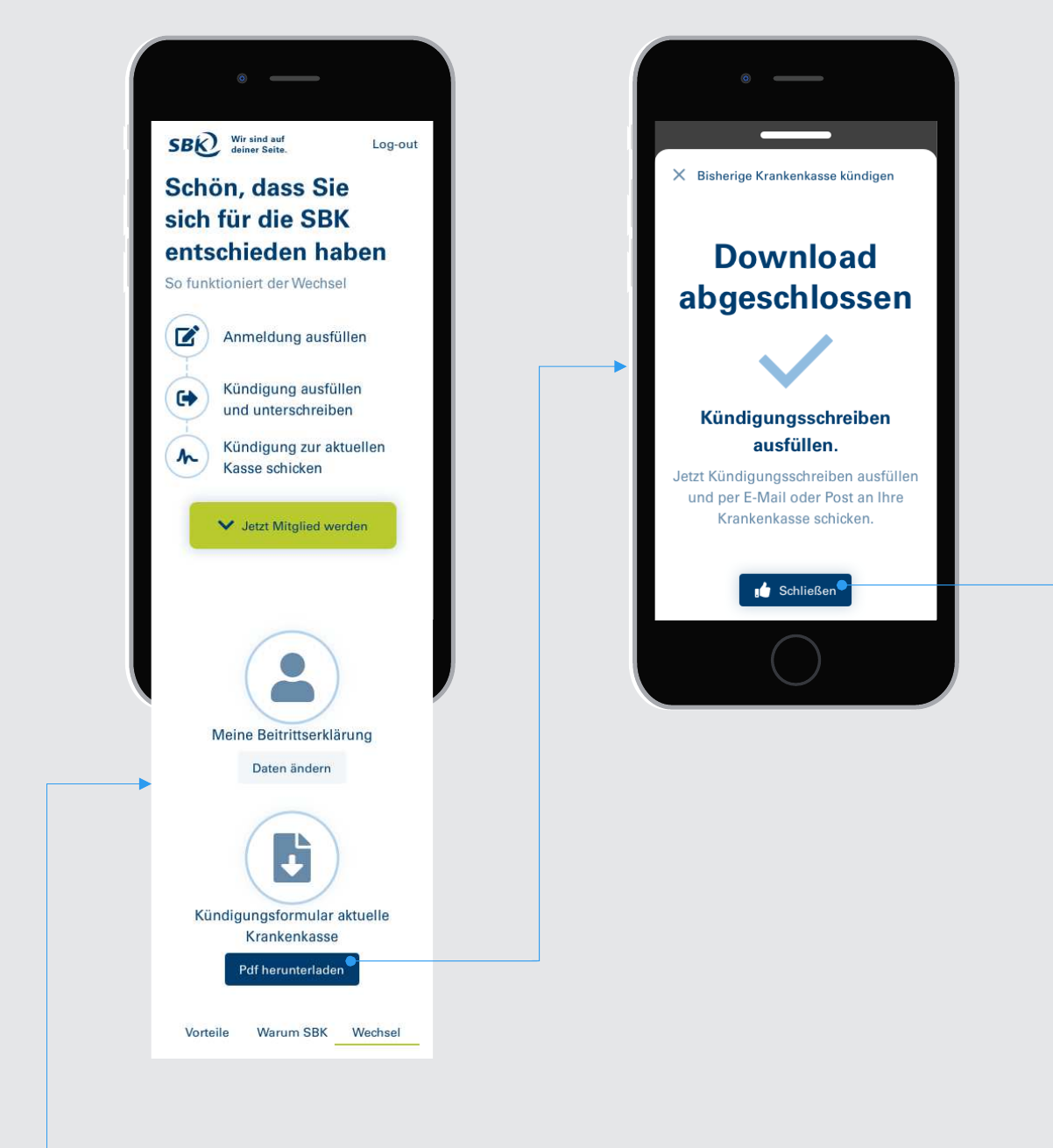
Once the low-fidelity screens were approved, I designed the interface using SBK’s official design system. The UI brought the service content and application screens into a consistent visual language.
PROTOTYPING
Making the application flow testable
I turned the static design into a clickable high-fidelity prototype so the flows could be tested with real users and feedback could inform the next step.
OUTCOME
Project outcome
The client tested the prototype and reported positive results. Project management then decided to move forward with implementation.
My contribution
I delivered a testable prototype with consistent interactions across the app and managed the design process within tight deadlines.
Prev case
Next case
