
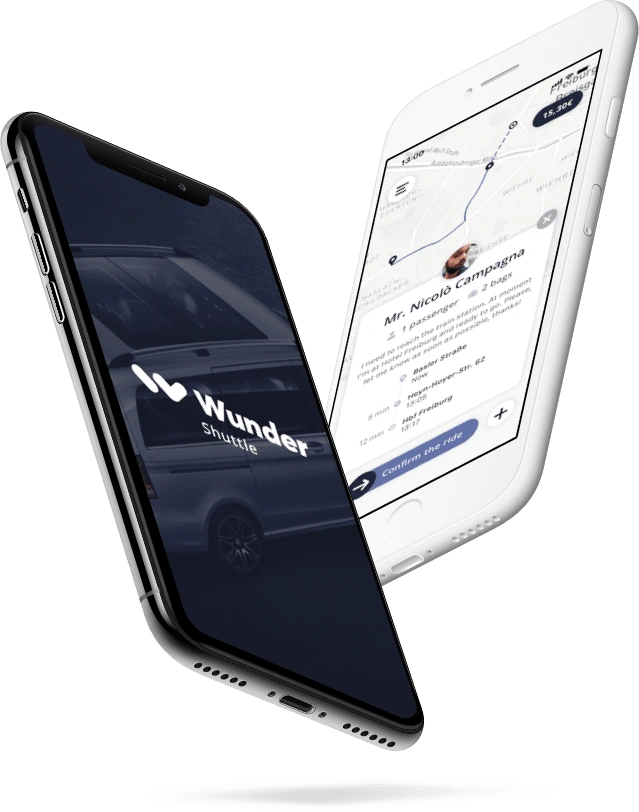
Wunder Shuttle mobile app
Mobile App / SMART MOBILITY
An end-to-end design concept for a ride-pooling solution, focusing on intuitive driver interfaces to streamline route planning and passenger management.
About Wunder Mobility
In 2019, Wunder Mobility was developing shared mobility services, including a carpool shuttle concept. The project explored how a driver-facing app could support ride requests and route planning.
The assignment
The brief asked me to develop a design proposal for Wunder’s new carpool shuttle service. My work covered research, ideation, interface design and prototyping, with a focus on helping shuttle drivers understand ride requests and manage the essential steps of a trip.
The problem
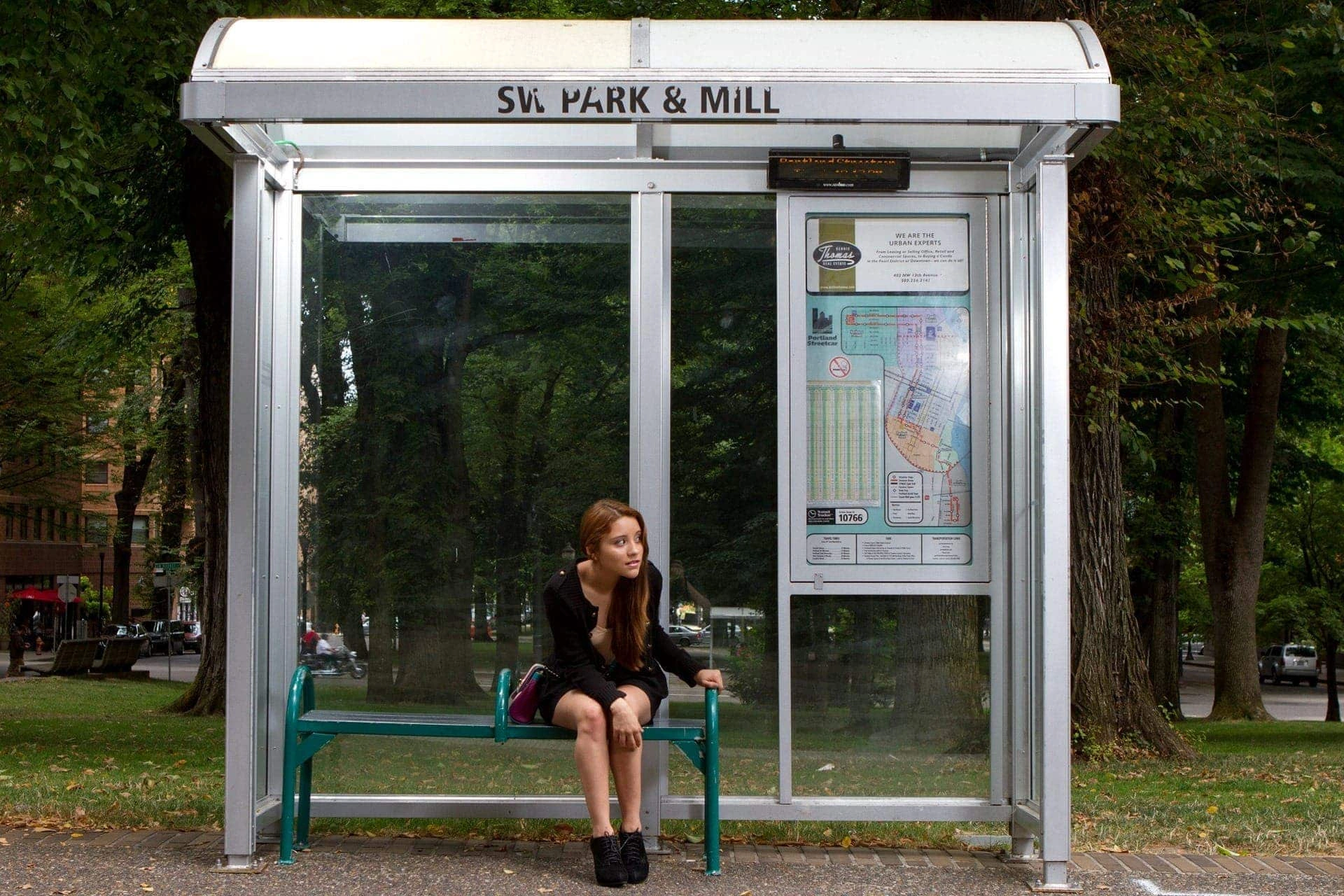
The project considered rural on-demand transport services that relied on phone reservations. Passengers contacted a booking centre, while staff manually assigned each request to a driver and vehicle. The challenge was to explore a digital alternative that made booking and handling ride requests more direct.

Business insights
The proposed service would be operated by shuttle drivers without a central dispatching team. Passengers would use one app to request rides, while drivers would use another to review and accept requests, understand passenger needs and plan the route to the pickup location.
The challenge
An app for shuttle drivers
The goal was to help drivers understand where passengers needed to be picked up, when they wanted to travel and where they were going. The app also needed to communicate passenger requirements and make essential ride actions accessible, with particular attention to limiting distraction during an ongoing trip.
Understanding drivers
I used the research brief to develop proto-personas and identify assumptions about drivers’ needs. Ali represents one of these profiles. I then translated the main assumptions into user stories to guide the design proposal.

Ali Gürsoy
Age36 years
FamilyMarried, 2 children
OriginAnkara
OccupationIndependent driver
A few months ago, Ali started working as an independent driver with Freiburg Mobility, a local transport cooperative operating in the Breisgau region of south-west Germany.
“I want to know where my possible customers are, when and where they want to go. What is key for a driver to conveniently transport passengers and find a smart solution which doesn’t distract me when I drive.”
User Stories
Key user stories derived from the brief
As a driver, I want to see pickup locations, destinations and requested travel times so that I can plan the best route for the ride.
As a driver, I want to understand passenger needs, luggage requirements and special requests so that I can prepare for the ride.
As a driver, I want to manage essential ride actions with minimal distraction so that I can stay focused on the road while driving.
Mapping the stories
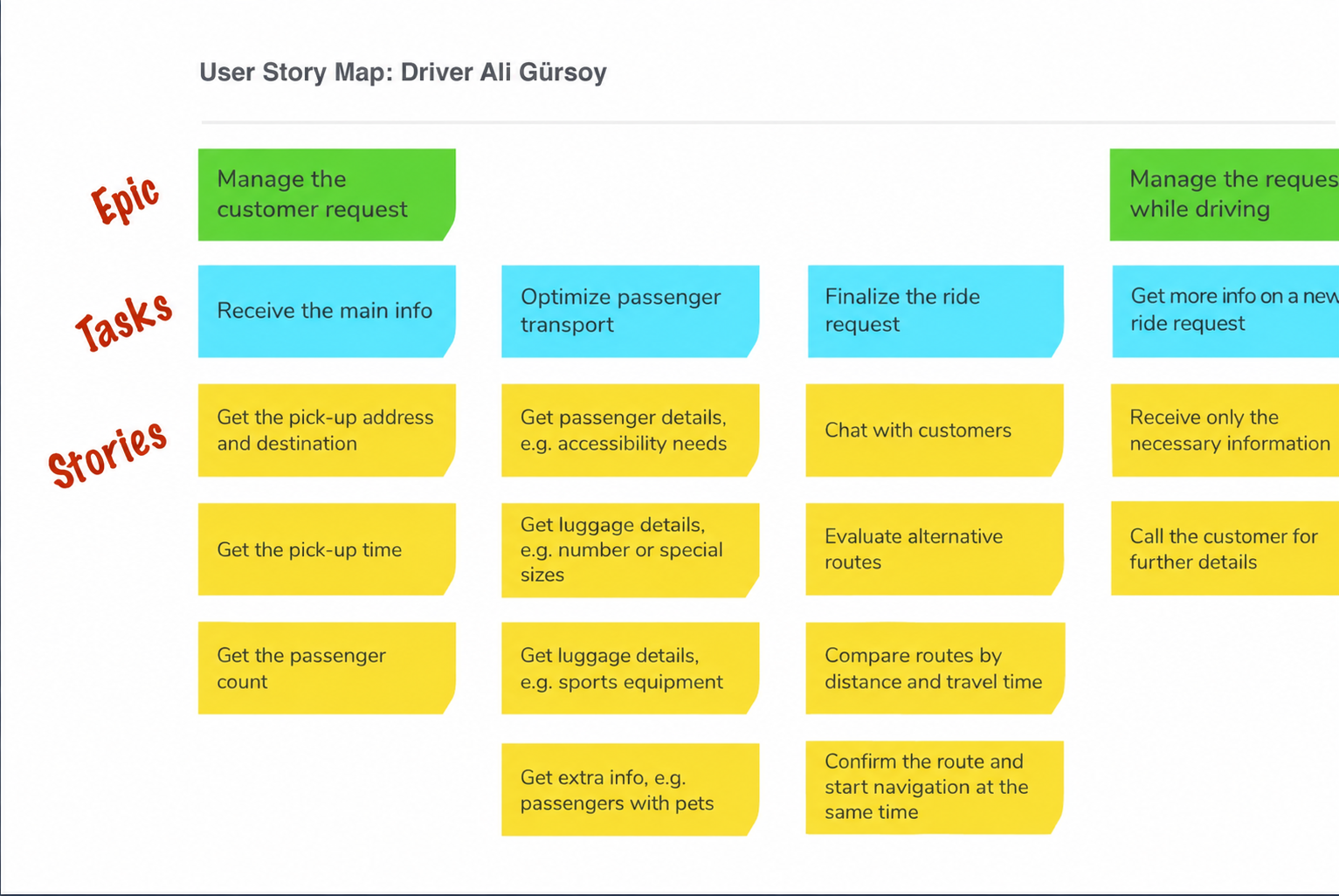
I organised these assumptions and user needs into a story map, identifying the main tasks involved in reviewing, planning and managing ride requests.
From Stories to Flows
I translated the story map into two user flows: managing a request before a trip and handling a new request while driving. Each flow sets out the main steps and the actions the driver needs to take.
The concept also proposed spoken notifications and voice commands through Siri Shortcuts. Google Maps would support route planning and navigation. These were intended integrations within the design proposal.
Flow A – Manage a ride request
Flow B – Manage a ride request while driving
Sketching and wireframes
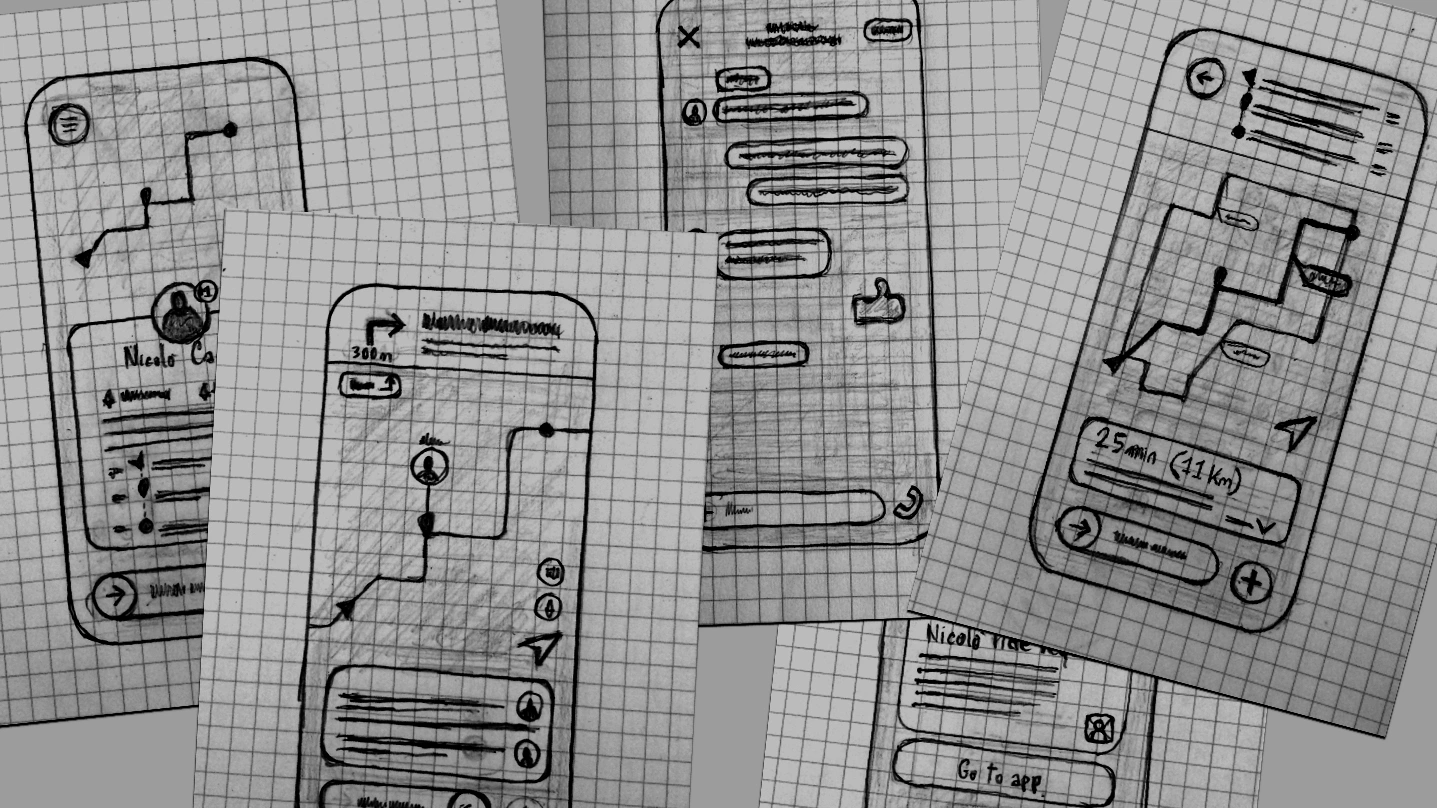
I explored the user flows through paper sketches, trying different ways to present notifications, ride details, communication and routes. Sketching helped me compare ideas and select the most promising options. I then developed these into digital wireframes to show the screen sequence and the driver’s actions in each flow.
Flow A
Manage the ride request
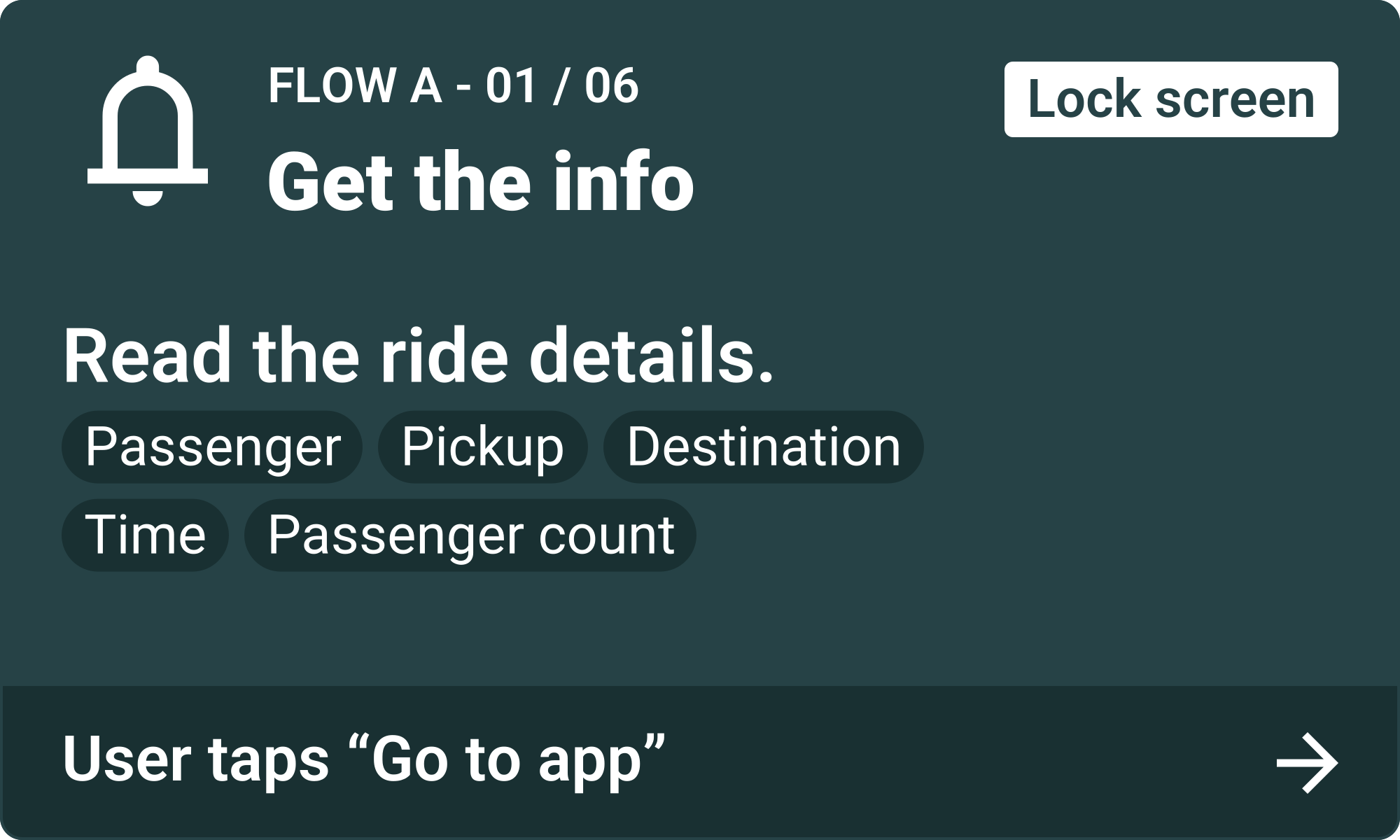
Scenario: The driver is waiting at a shuttle stop when a new ride request arrives.
- The driver reads the lock-screen notification and taps “Go to app”.
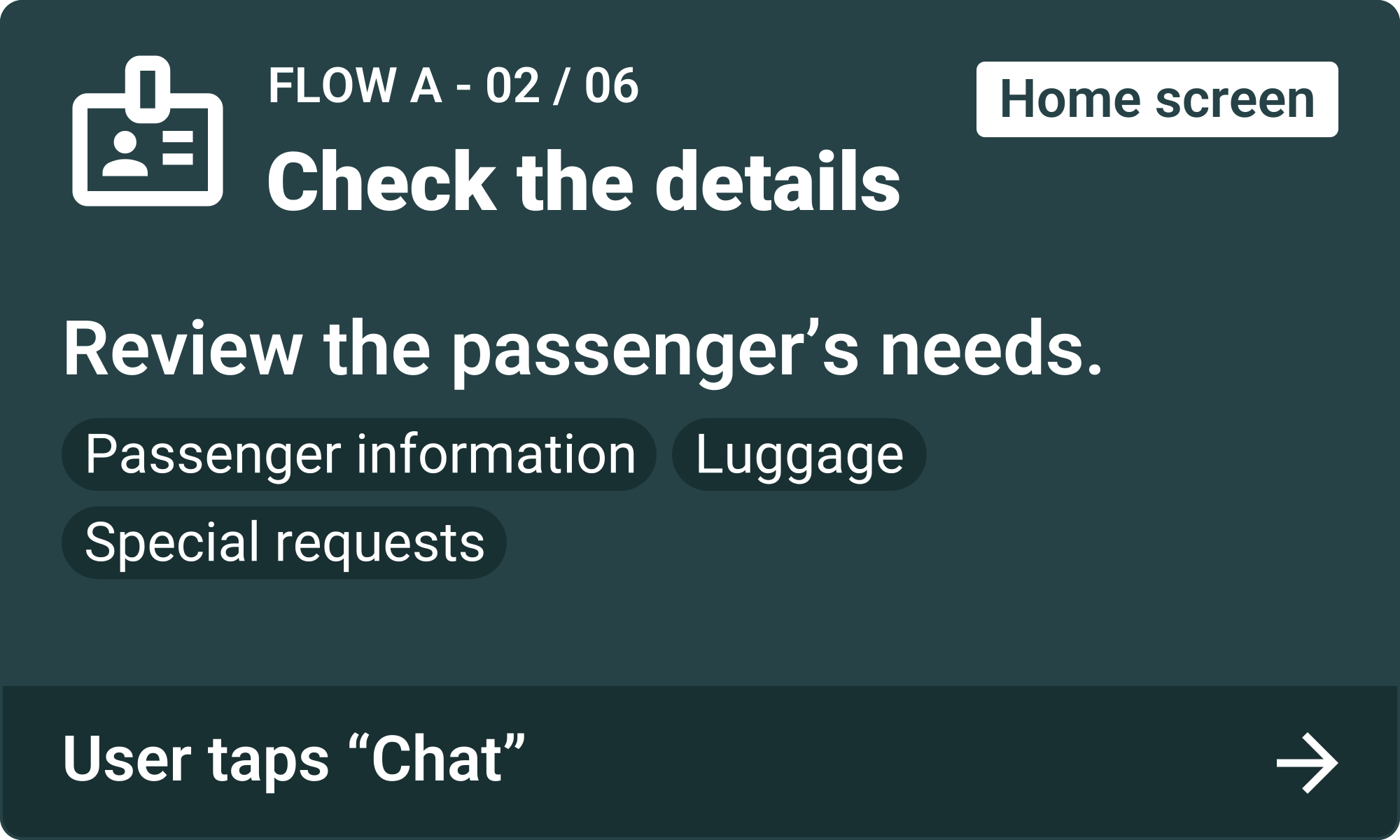
- The driver checks the ride details and taps “+” for more information.
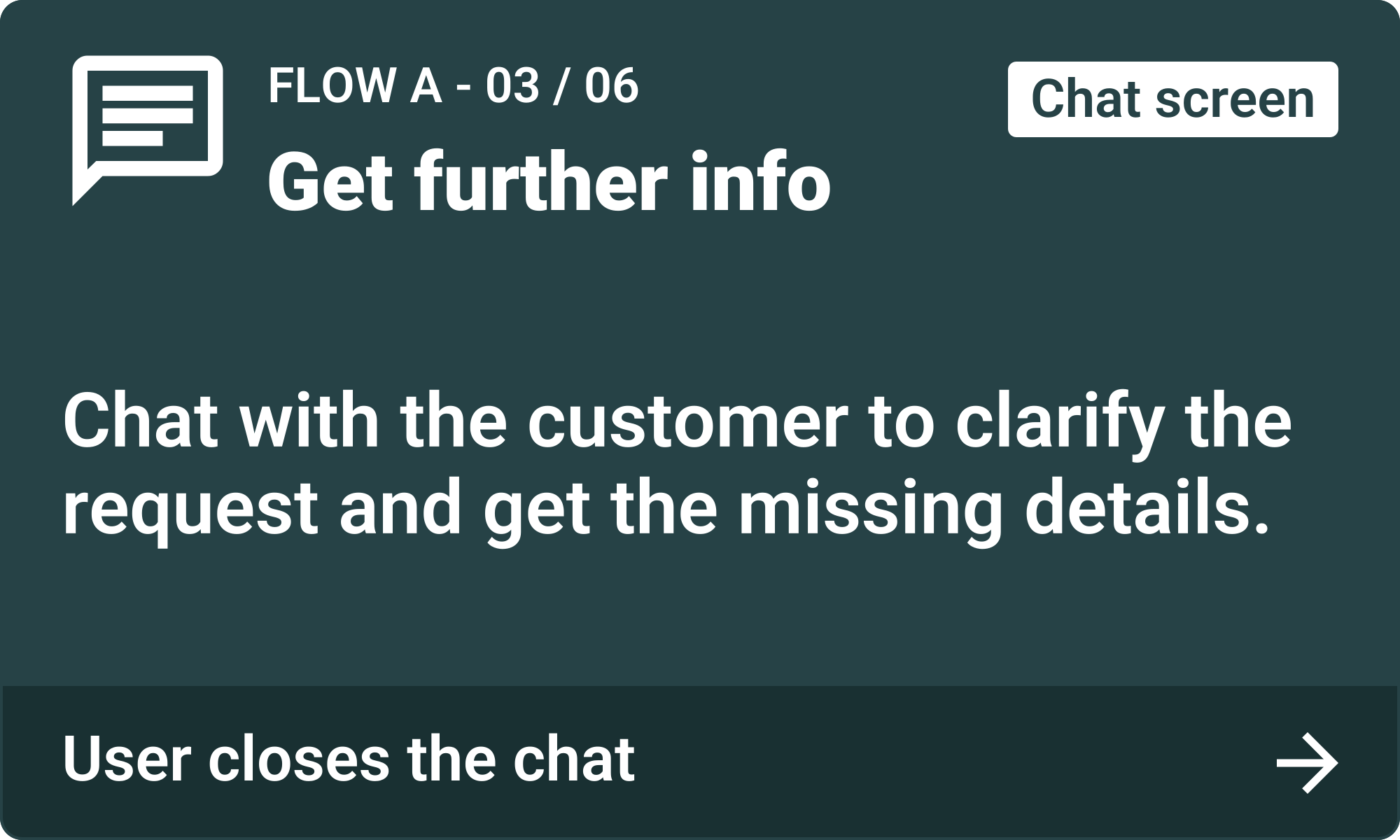
- The driver taps “Chat” to clarify the request with the customer. After getting the missing details, the driver closes the chat.
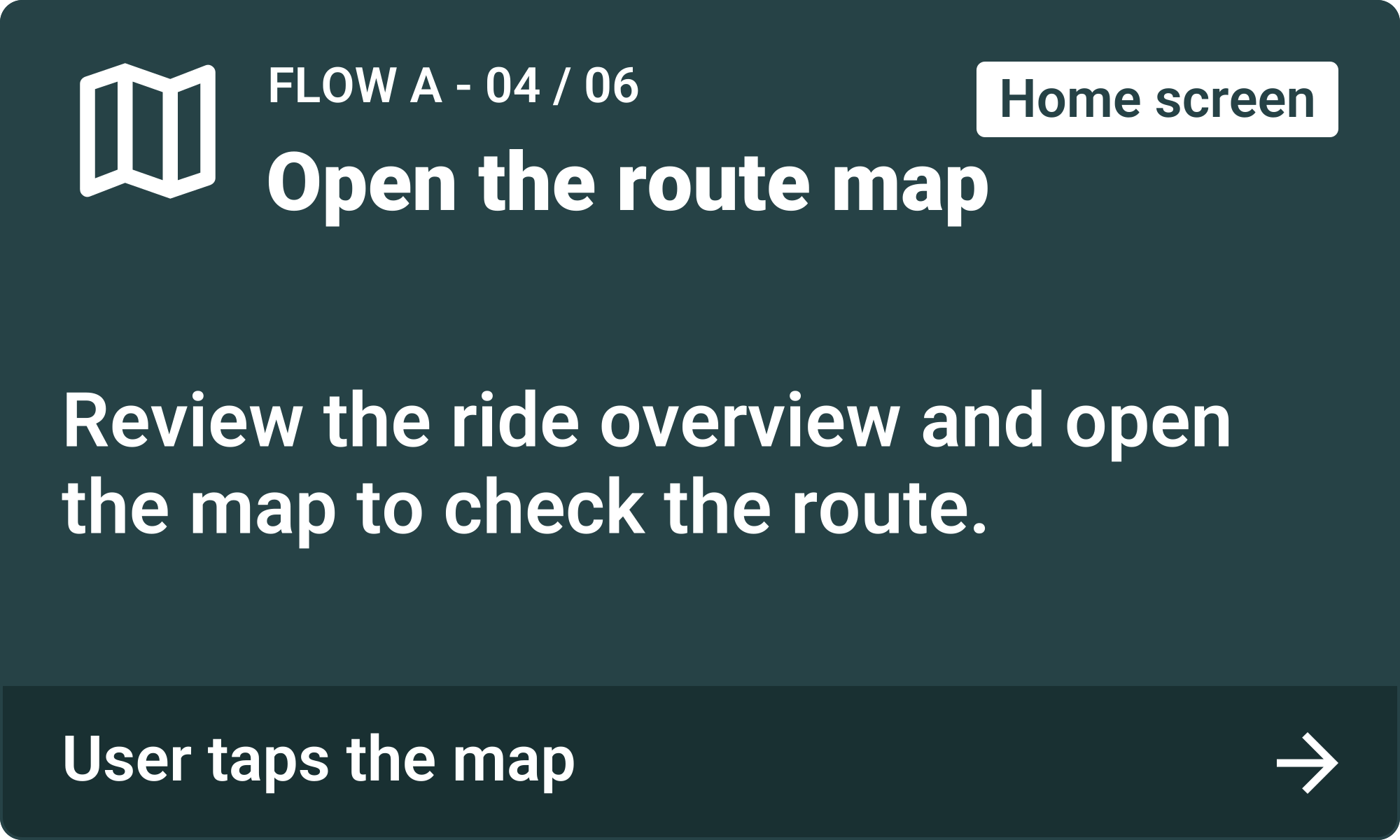
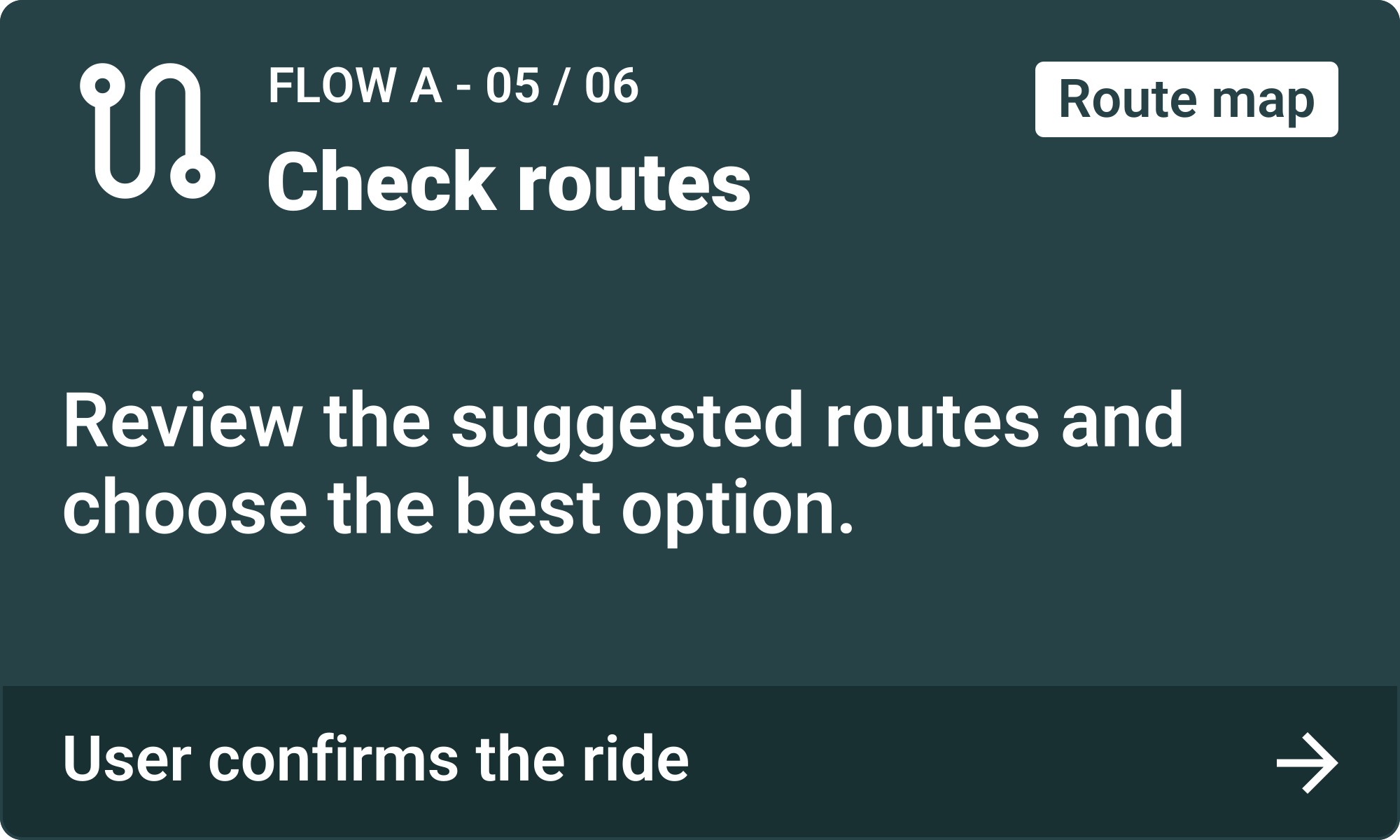
- The driver opens the route map and reviews alternative routes. After choosing a route, the driver swipes right on “Confirm the ride”.
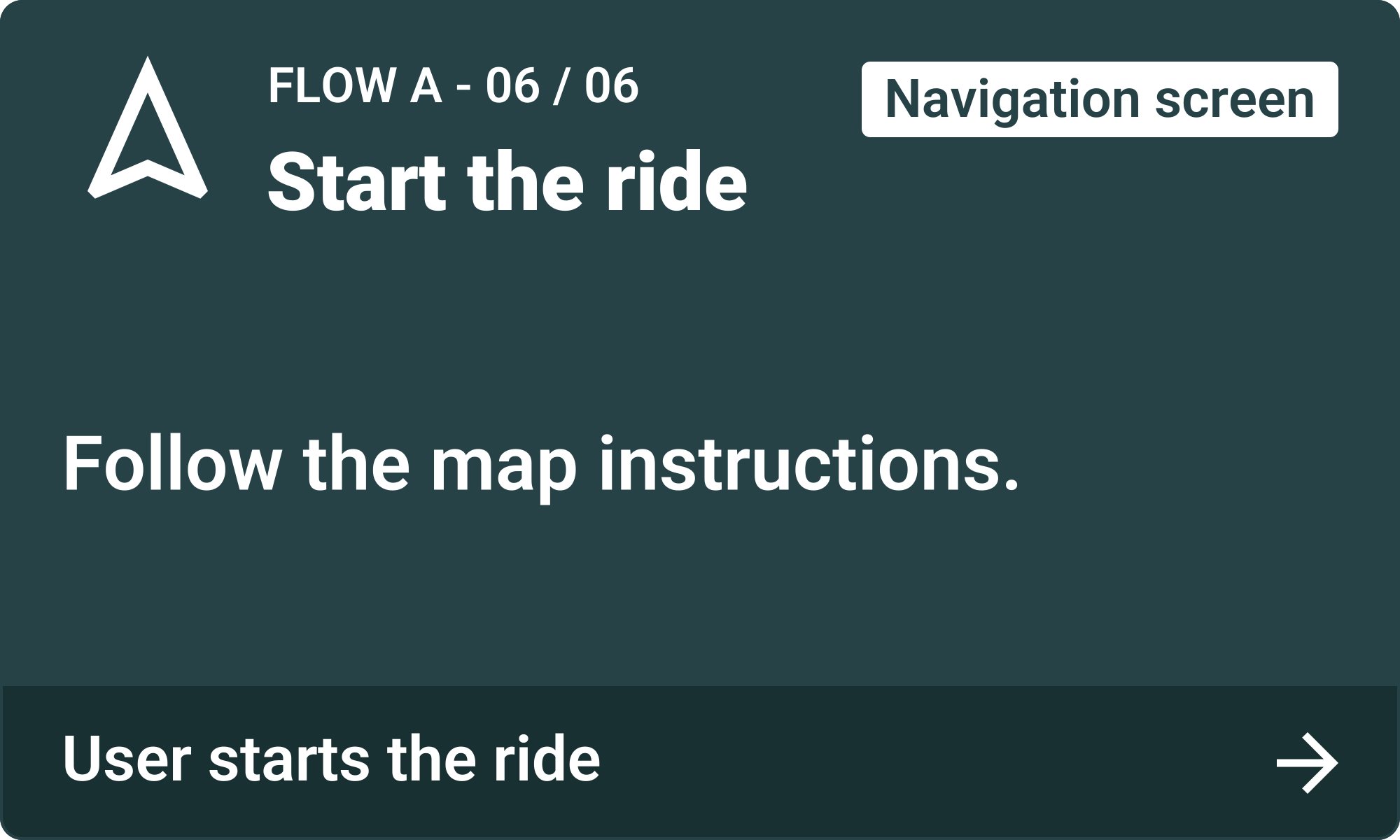
- The driver starts the ride.
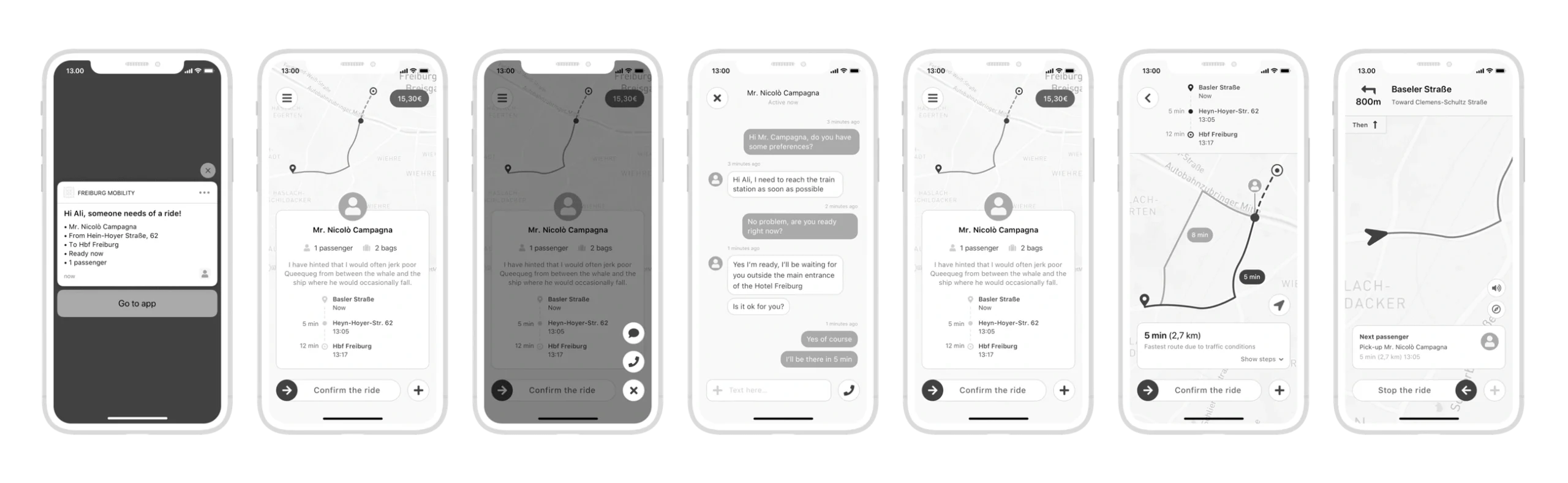
Lock screen
Home screen
Action menu
Chat screen
Home screen
Route map
Navigation screen
Flow B
Manage a request while driving
Scenario: The driver receives a new ride request during an ongoing trip.
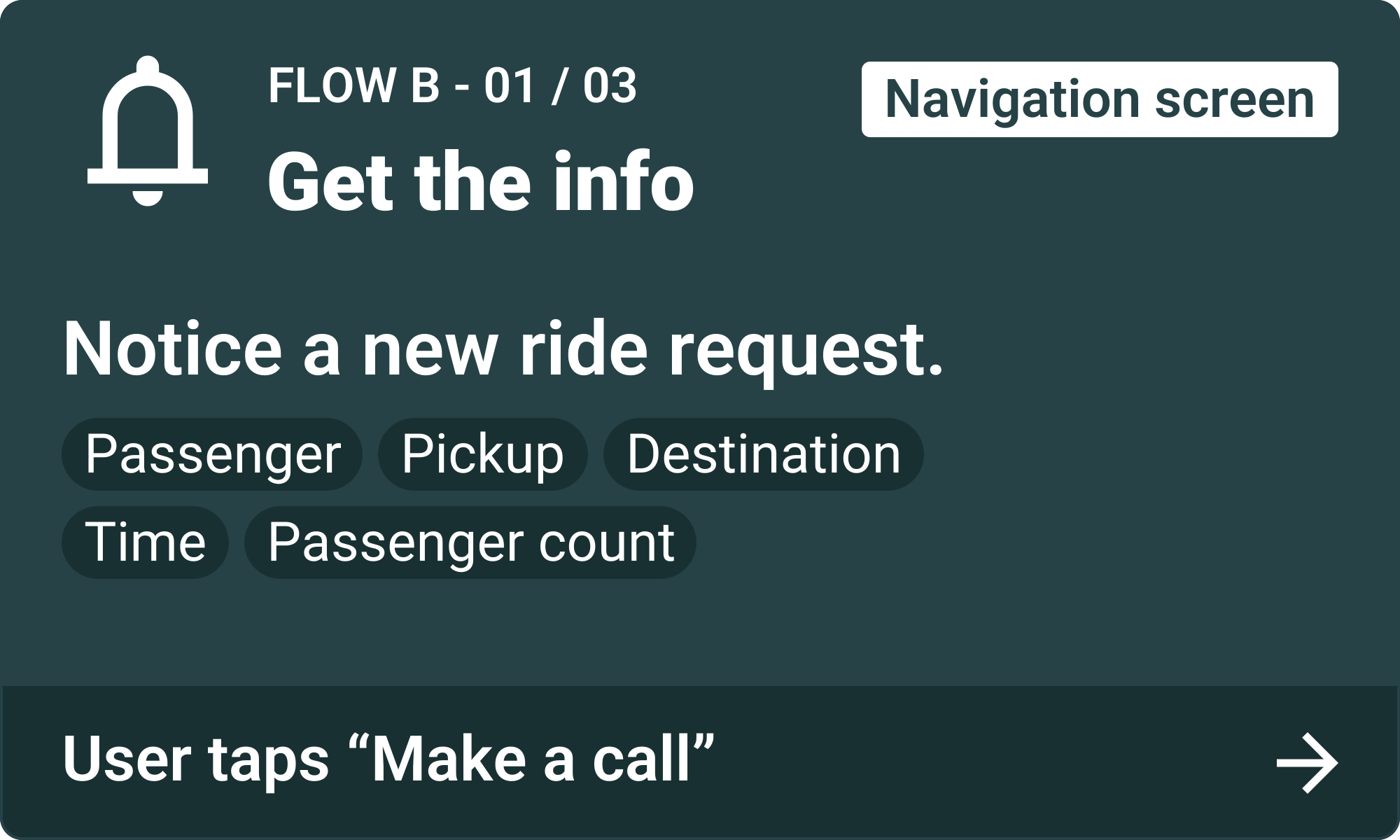
- A new ride request appears on the navigation screen. The driver taps “Make a call” to clarify the request with the customer.
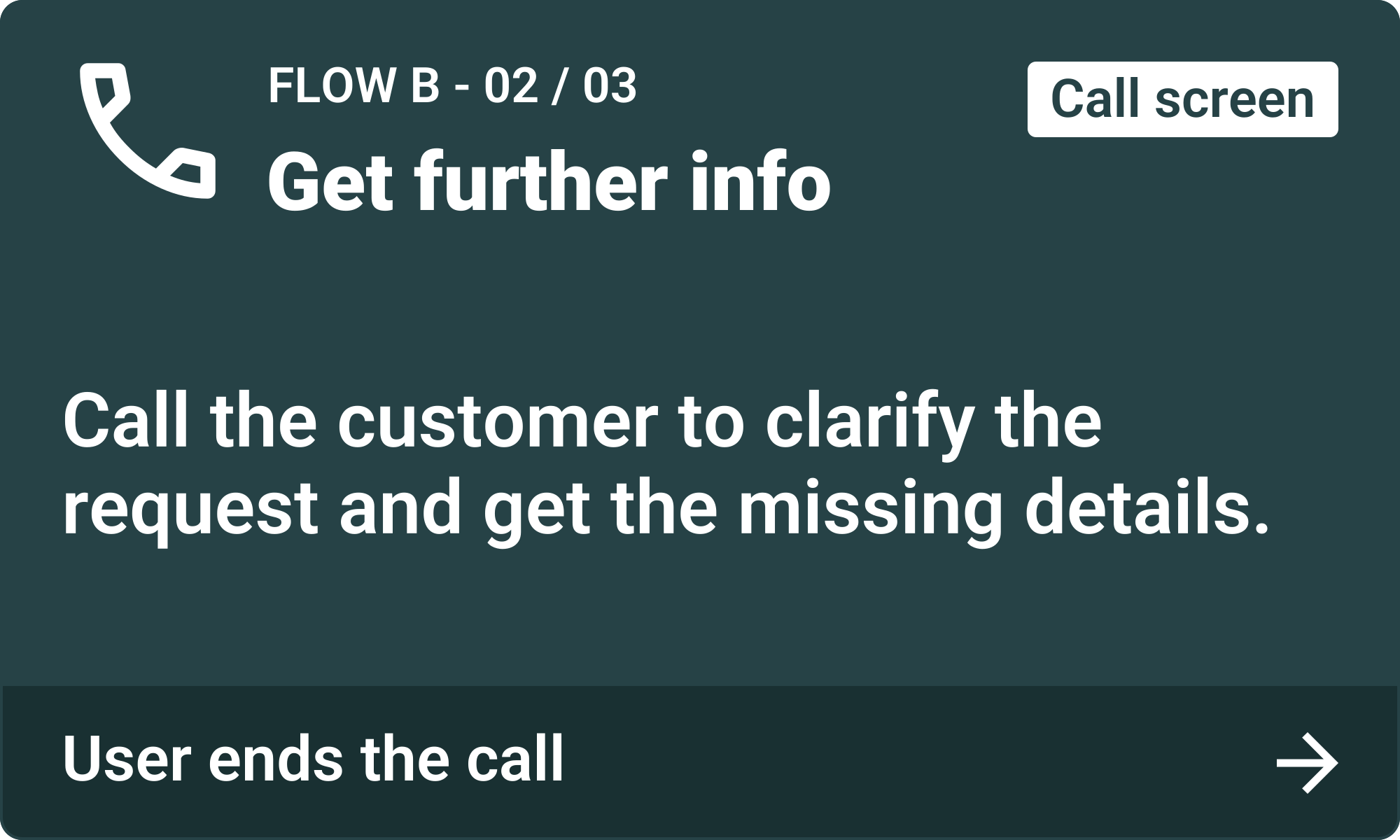
- After getting the missing details, the driver ends the call.
- The driver returns to the notification and taps “Confirm the ride”.
- The driver continues the trip.
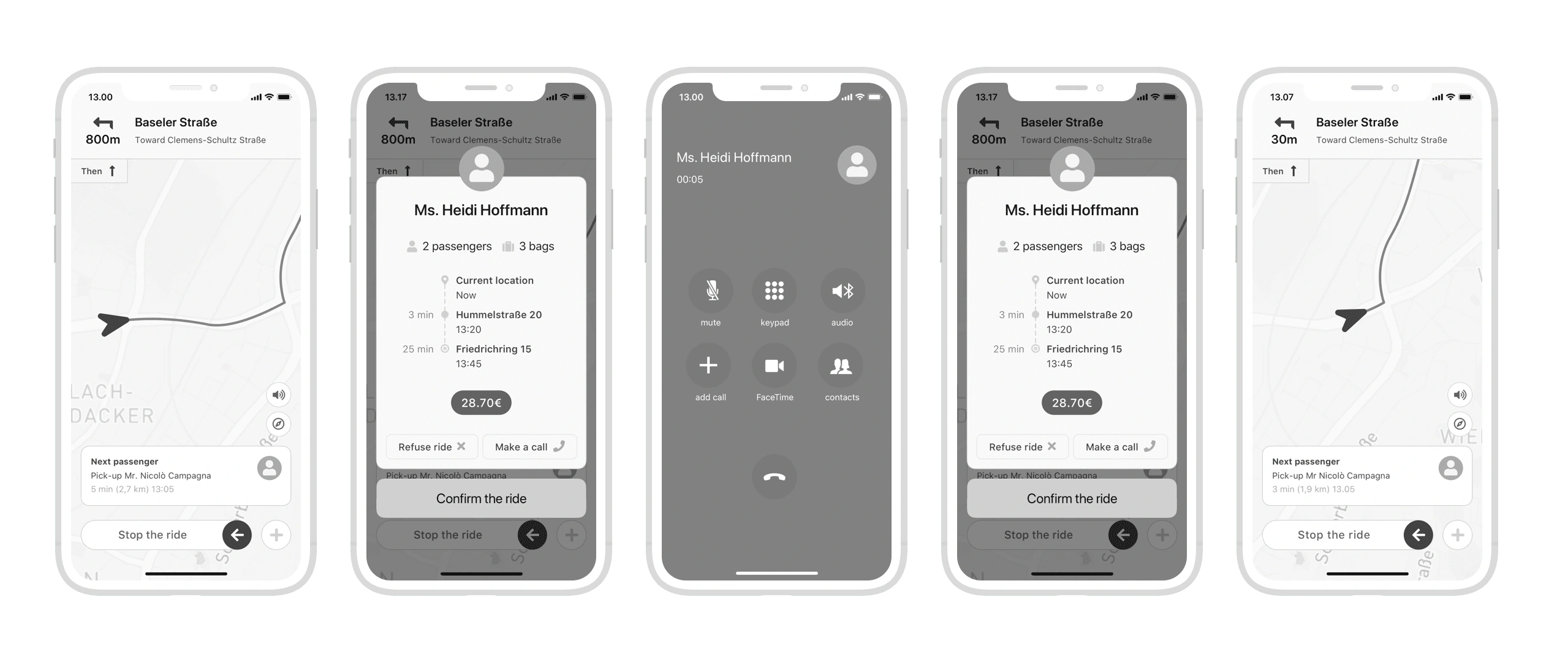
Navigation screen
Expanded notification
Call screen
Expanded notification
Navigation screen
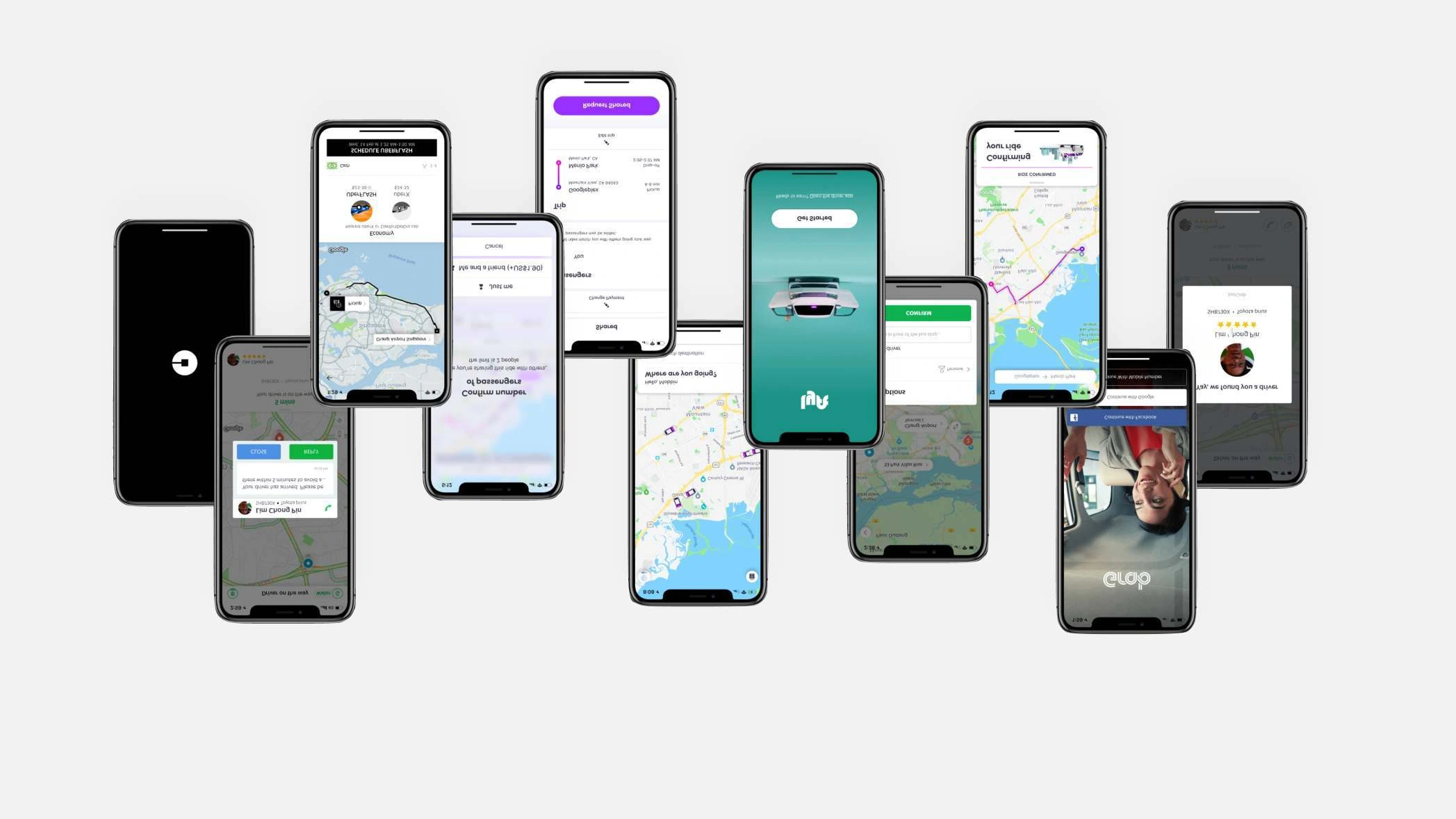
Visual references
I reviewed examples from mobility apps to explore visual patterns for maps, ride requests and communication, informing the interface design.
UI design
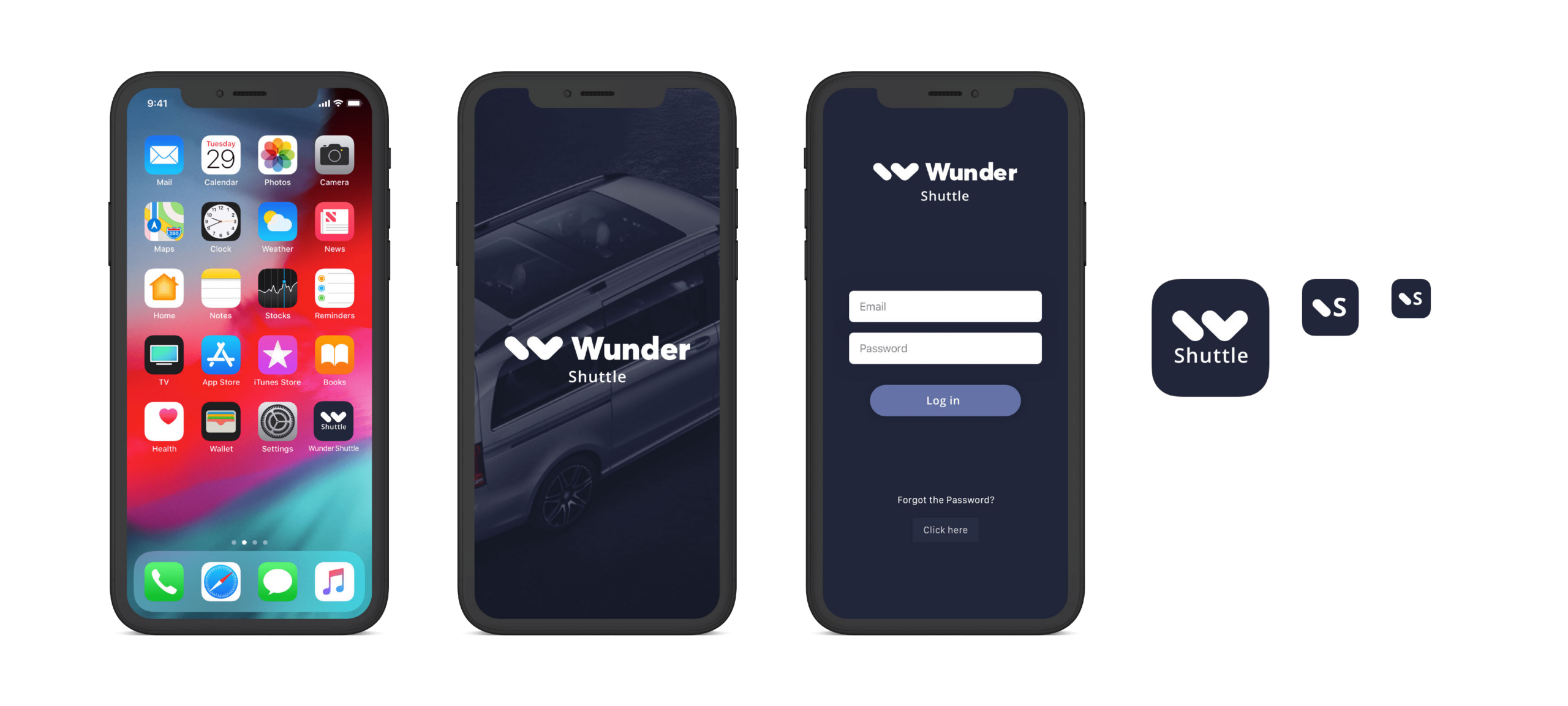
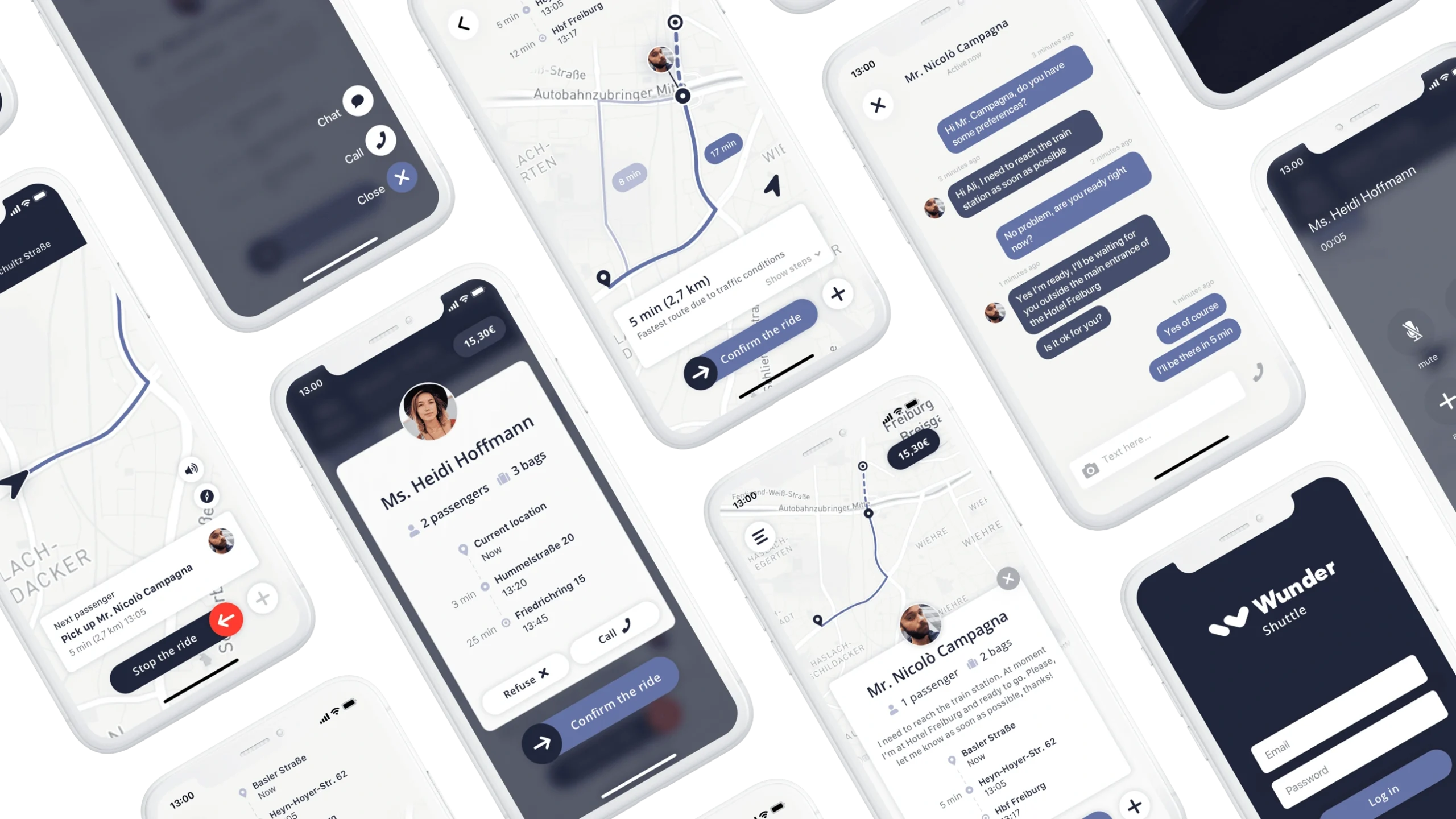
Applying the visual language
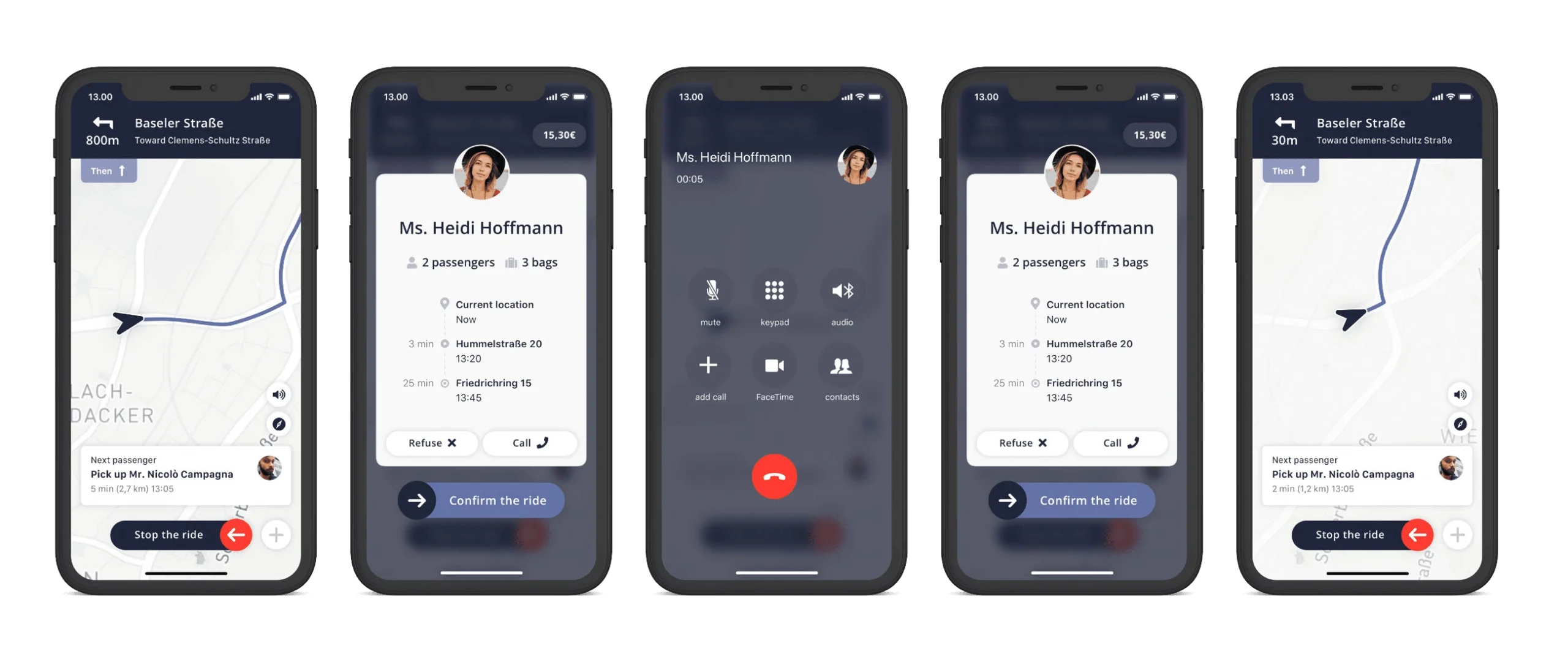
I extended Wunder’s visual language to the app’s navigation, notifications and communication screens.
Prototyping
High-fidelity design (1/2)
Final interface proposal for Flow A.
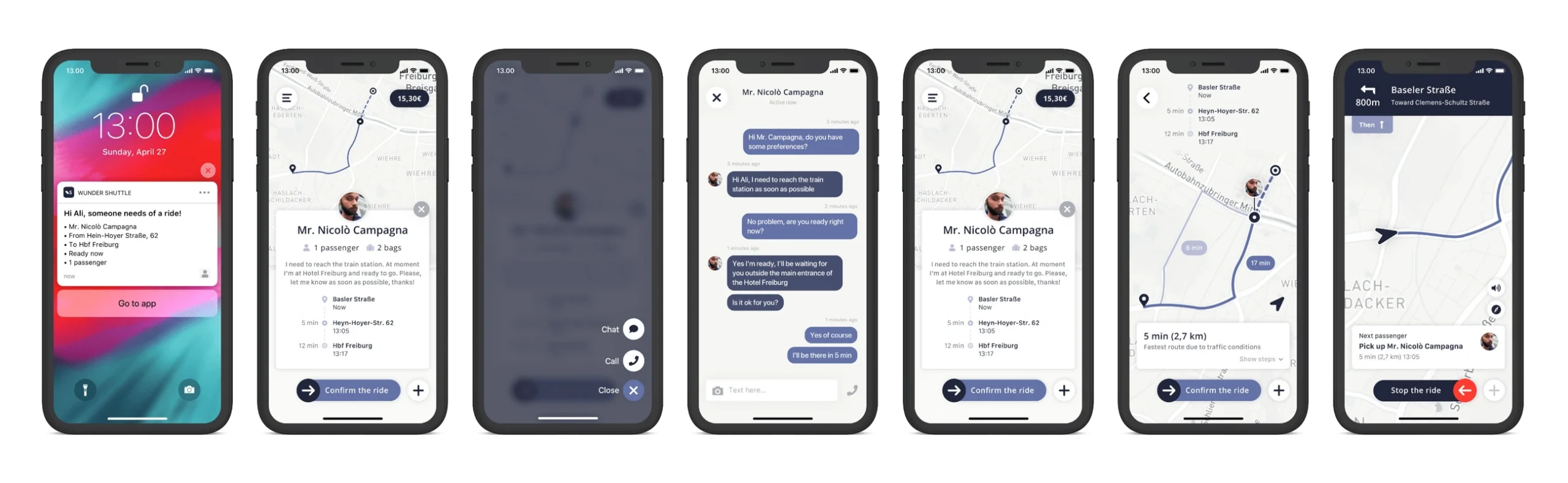
Lock screen
Home screen
Action menu
Chat screen
Home screen
Route map
Navigation screen
Prototyping
High-fidelity design (2/2)
Final interface proposal for Flow B.
Navigation screen
Expanded notification
Call screen
Expanded notification
Navigation screen
Interactive prototype – Flow A
Managing a ride request
Project outcome
Wunder reviewed the design proposal and gave positive feedback on the approach to managing ride requests.
Key takeaways
The project highlighted the importance of separating detailed ride planning from essential actions during an ongoing trip. Designing the two flows helped me connect passenger information, communication and navigation with the driver’s needs.
Prev case
Next case
